[Food Manufacturing] ORCA MES Shipping Instruction and Inventory Management Case Study
See how food manufacturers use ORCA MES to review shipping instructions, available inventory by warehouse, and shipment progress to identify quantity discrepancies and duplicate entries.
AI solutions for easier manufacturing operations
ORCA solution
[Food Manufacturing] ORCA MES Shipping Instruction and Inventory Management Case Study
See how food manufacturers use ORCA MES to review shipping instructions, available inventory by warehouse, and shipment progress to identify quantity discrepancies and duplicate entries.
[Food Manufacturing] Delivery Management Across Shipping Instructions, Product Inventory, and Shipment Status
Food manufacturing shipping staff can check available inventory, register instructions, and review progress and inventory flows after processing.
Key Summary
Discrepancies between available inventory by warehouse and instructed quantities are easier to identify before saving.
Comparing item quantities with the total shipment quantity can reduce missing quantities.
Required shipments can be identified by customer, shipment status, and period.
It helps prevent duplicate entries of quantities already reflected through production completion or shipment processing.
ORCA can be used on PCs, tablets, and mobile devices to check information at the appropriate work location.
Challenges in the Previous Workflow
Shipping staff reviewed separate shipping instructions and product inventory, comparing instructed quantities with available inventory independently.
When inventory was divided across multiple warehouses, they had to calculate the total shipping quantity by warehouse separately.
When packaging specifications and production yields changed the available quantity, shipping instructions had to be reviewed again.
After shipment processing, staff had to find instruction status and inventory transaction history separately while avoiding duplicate entries of reflected quantities.
ORCA Application Process
Prepare shipping conditions
Staff confirm the products and customers for shipment and prepare the shipment date and shipping information to distinguish each delivery.
Review available inventory
They check available inventory and the shipping warehouse for each item, then compare the total quantity by warehouse with the instructed quantity.
Register shipping instructions
They use quick registration for one shipment and add multiple shipments on the screen or import the designated Excel template for bulk registration.
Process in the source screen
Staff process the shipment in a source screen such as Shipping Instruction Management and do not enter quantities that have already been reflected.
Check status and inventory flows
After processing, they review progress in Shipment Status and inventory flows in Product Inventory Transaction Management.
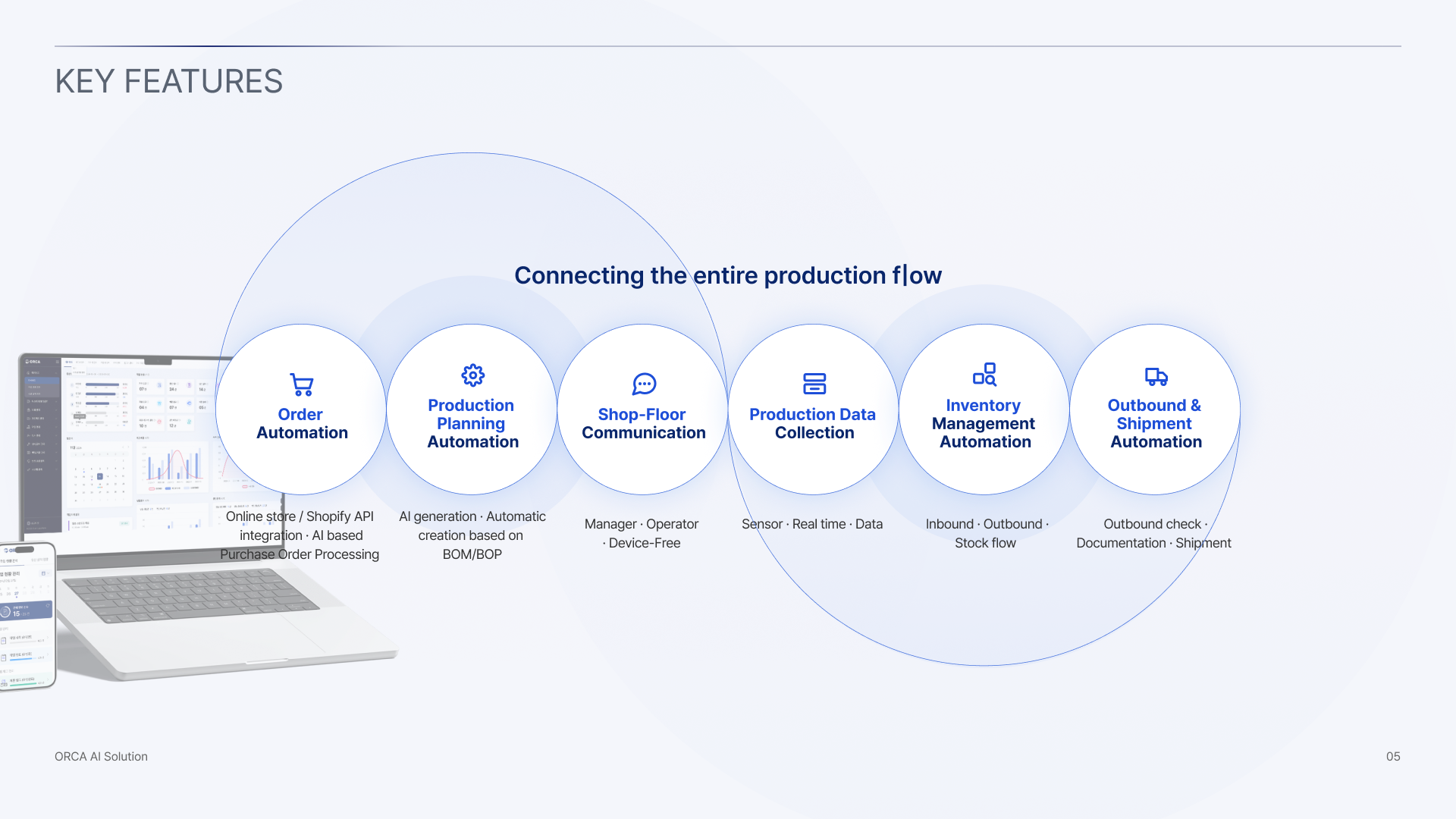
ORCA Key Features
Expected Workflow Changes After Application
Before saving, shipping staff can compare the total quantity by warehouse with available inventory to identify excessive instructions and missing allocations.
After registration, they can check the shipment code and status and find the required delivery using customer and period filters.
After shipment processing, they can review progress and post-transaction inventory in each screen to manage inventory changes.
ORCA can be used on PCs, tablets, and mobile devices, allowing staff to check required information in the office and on the shop floor.
Registering a shipping instruction alone does not automatically complete shipment or deduct inventory, so processing must be performed in the relevant source screen.
Frequently Asked Questions
Can multiple shipping instructions be registered together?
Multiple shipments can be added on the screen during bulk registration or imported using the designated Excel template.
Which conditions can be used to find shipment progress?
Searches can use shipment code, shipment name, shipment status, staff member, customer, and a created-date or shipment-date range.
Can ORCA be used on the shop floor?
ORCA can be used on PCs, tablets, and mobile devices, allowing access from a device suited to the work location.