ORCA Groupware web
Mail, chat, boards, calendar, projects, cloud, approvals and HR in one place.
ORCA Groupware
Sign in with the same account you use for ORCA MRP & MES. Pending approvals, today's schedule, unread mail, and chat mentions land on the first screen.
ORCA Groupware runs in your web browser. See the manual for how to use each screen.
Mail, chat, boards, calendar, projects, cloud, approvals and HR in one place.
Step-by-step guides for every menu, with real screenshots.
Install the unified ORCA desktop app for Mac and Windows. Switch between Groupware, MES, and AI Marketer in one app.
Loading download info…
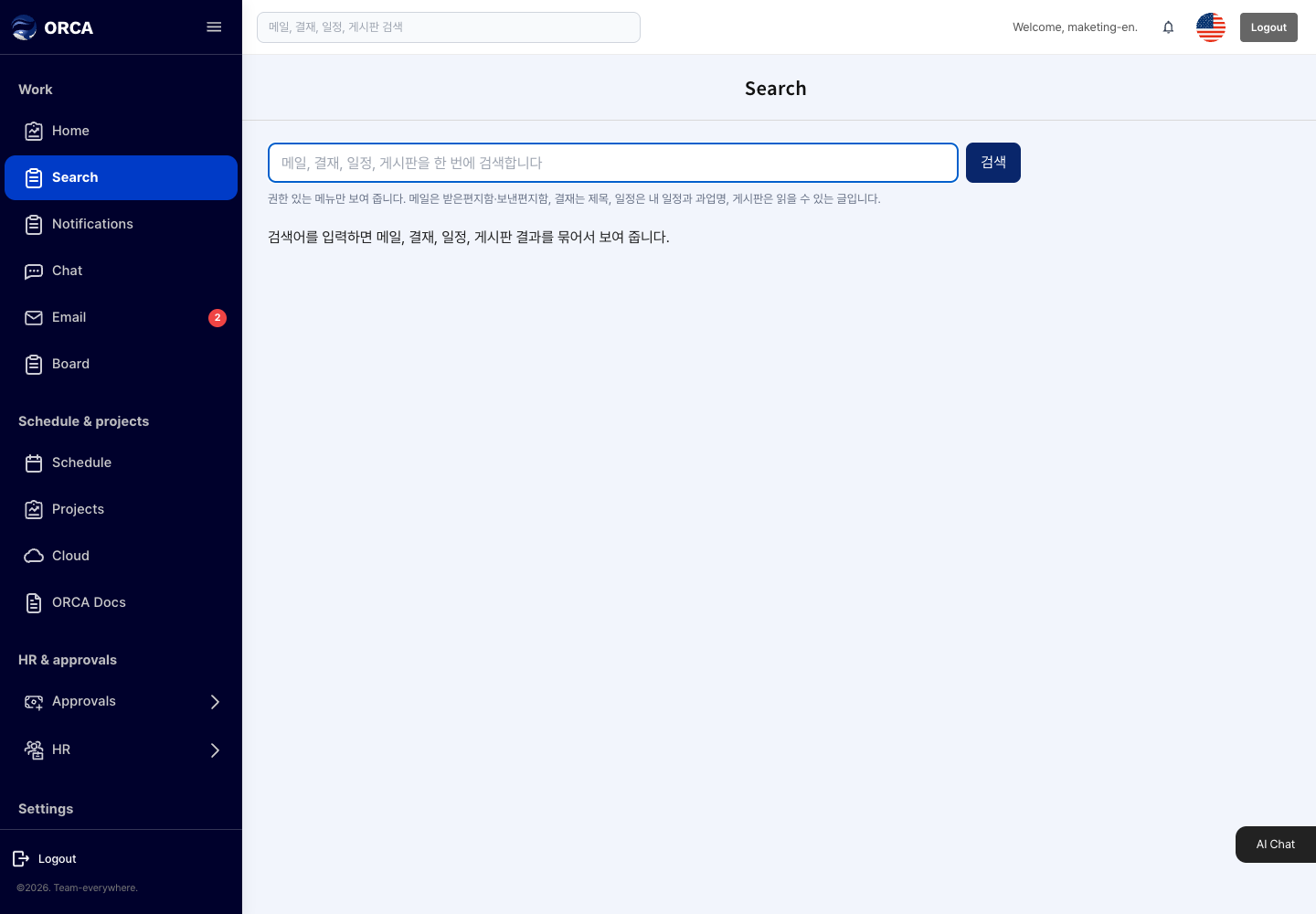
See pending approvals, unread notices, today's schedule, unread mail, and chat mentions on one home screen, and find anything with unified search.
View manual →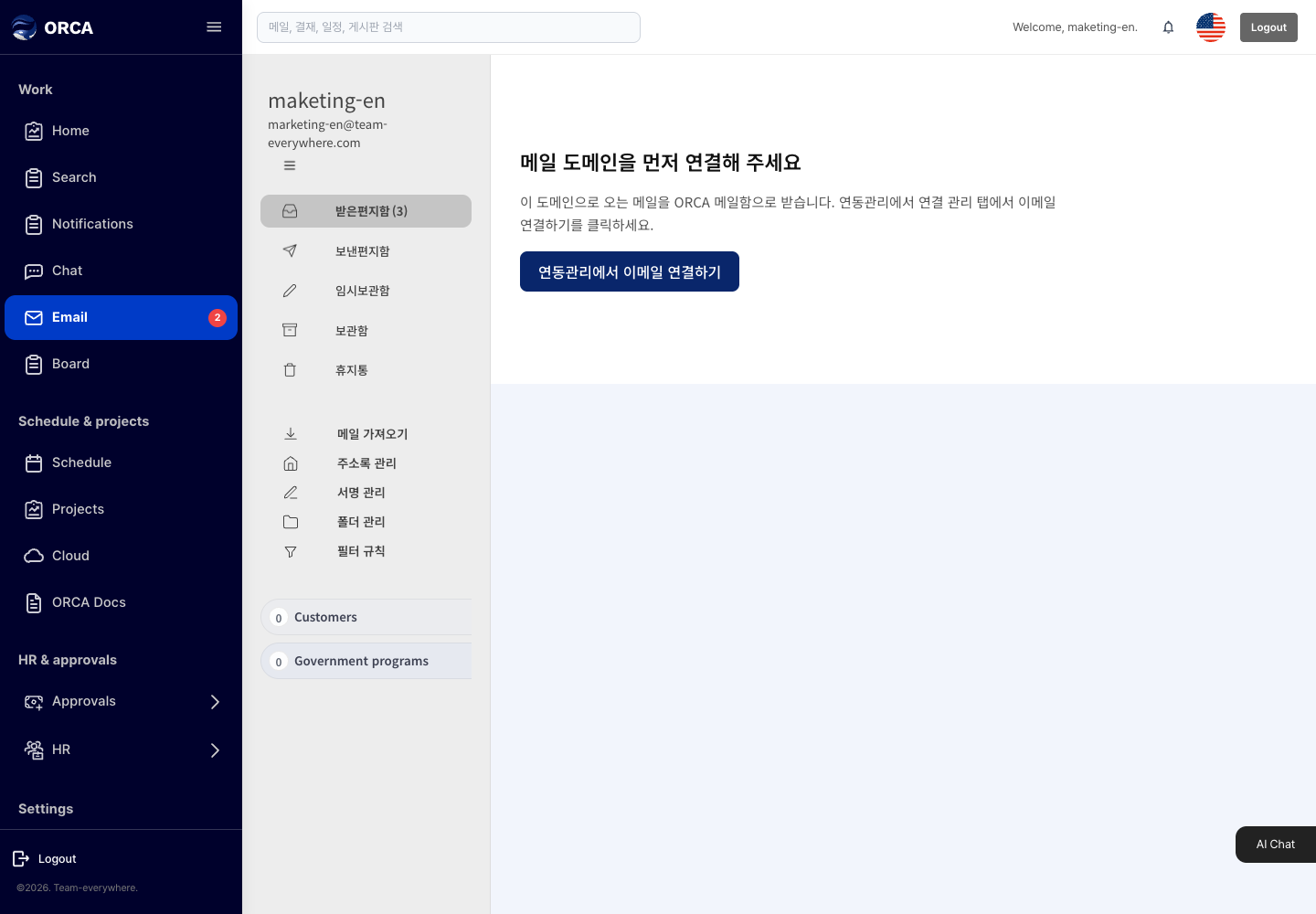
Inbox, sent, drafts, archive, and custom folders, with scheduled sending and signatures. Connect your company domain and import existing mail.
View manual →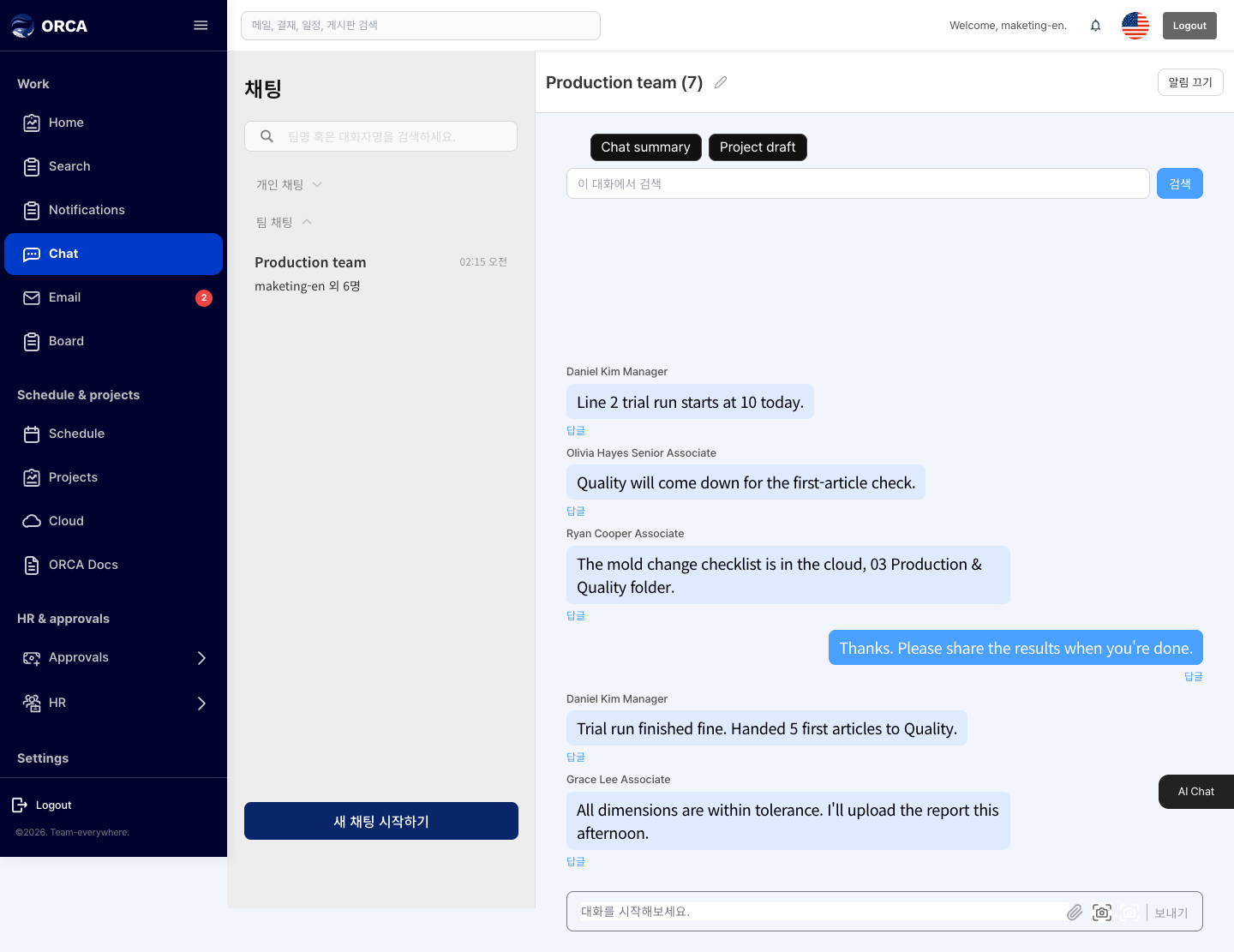
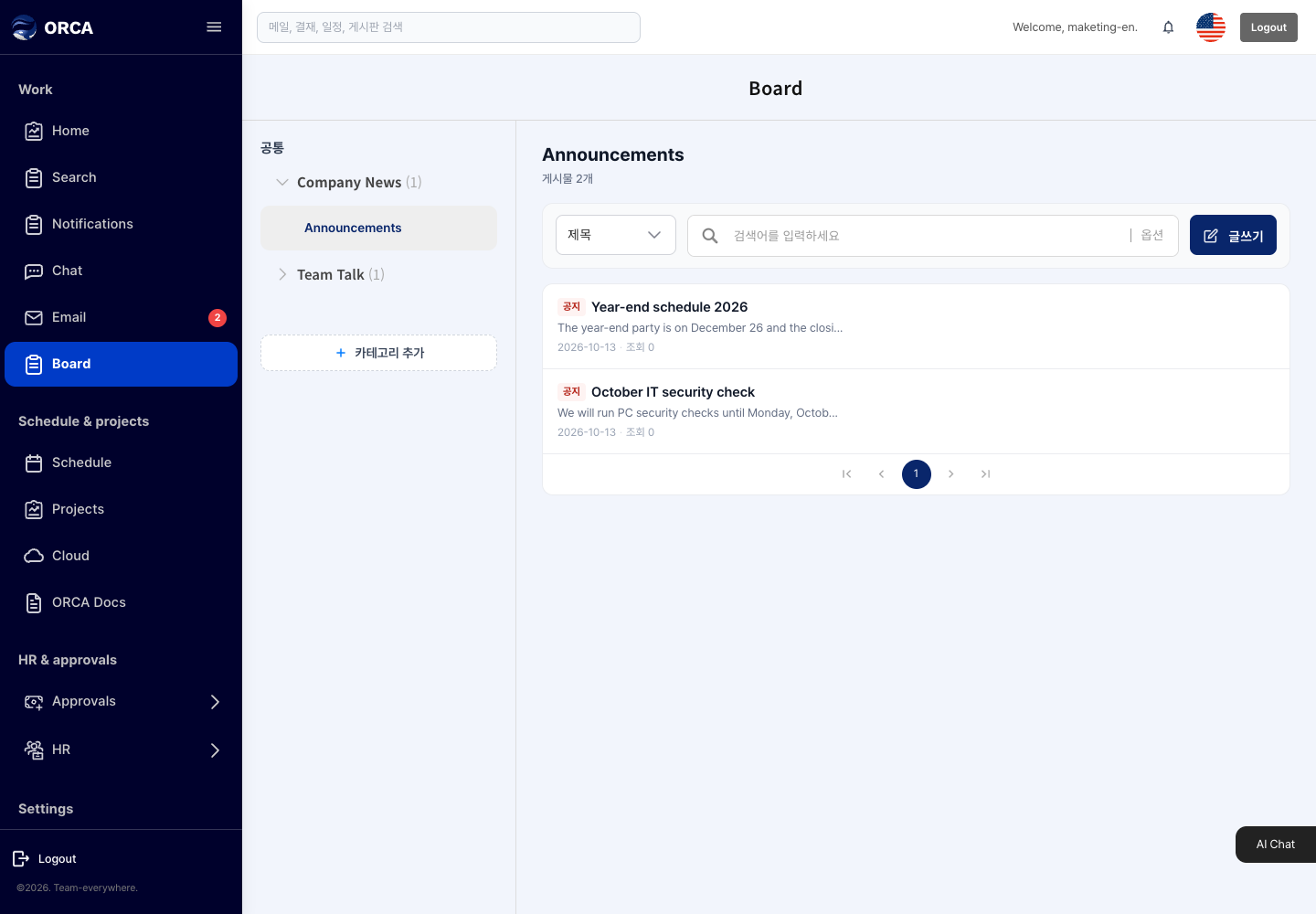
Must-read and pinned notices, search, and comments, with read access set by department.
View manual →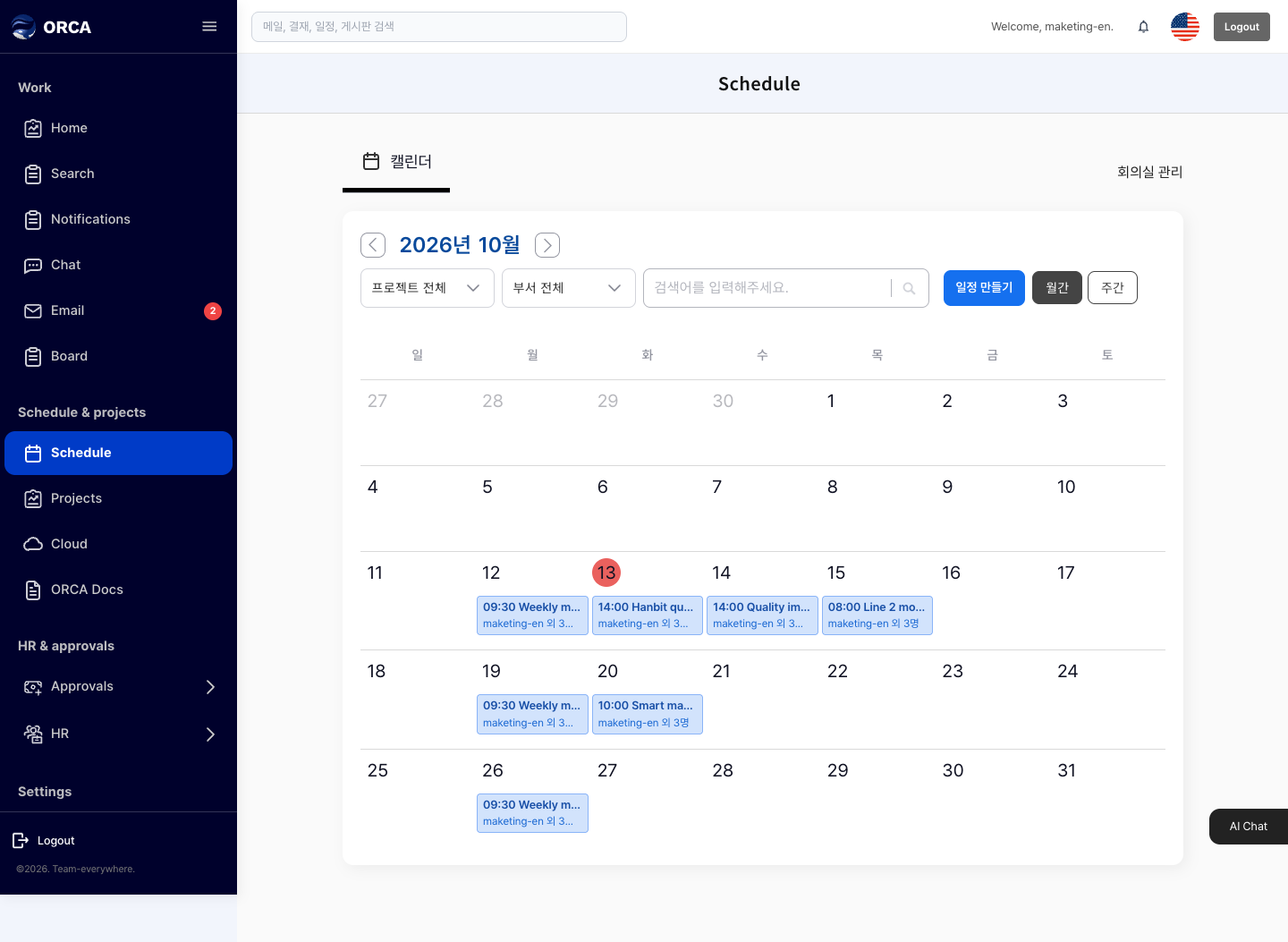
Personal and shared events, recurring events, and invitations. Project tasks, leave, and business trips appear on the same calendar.
View manual →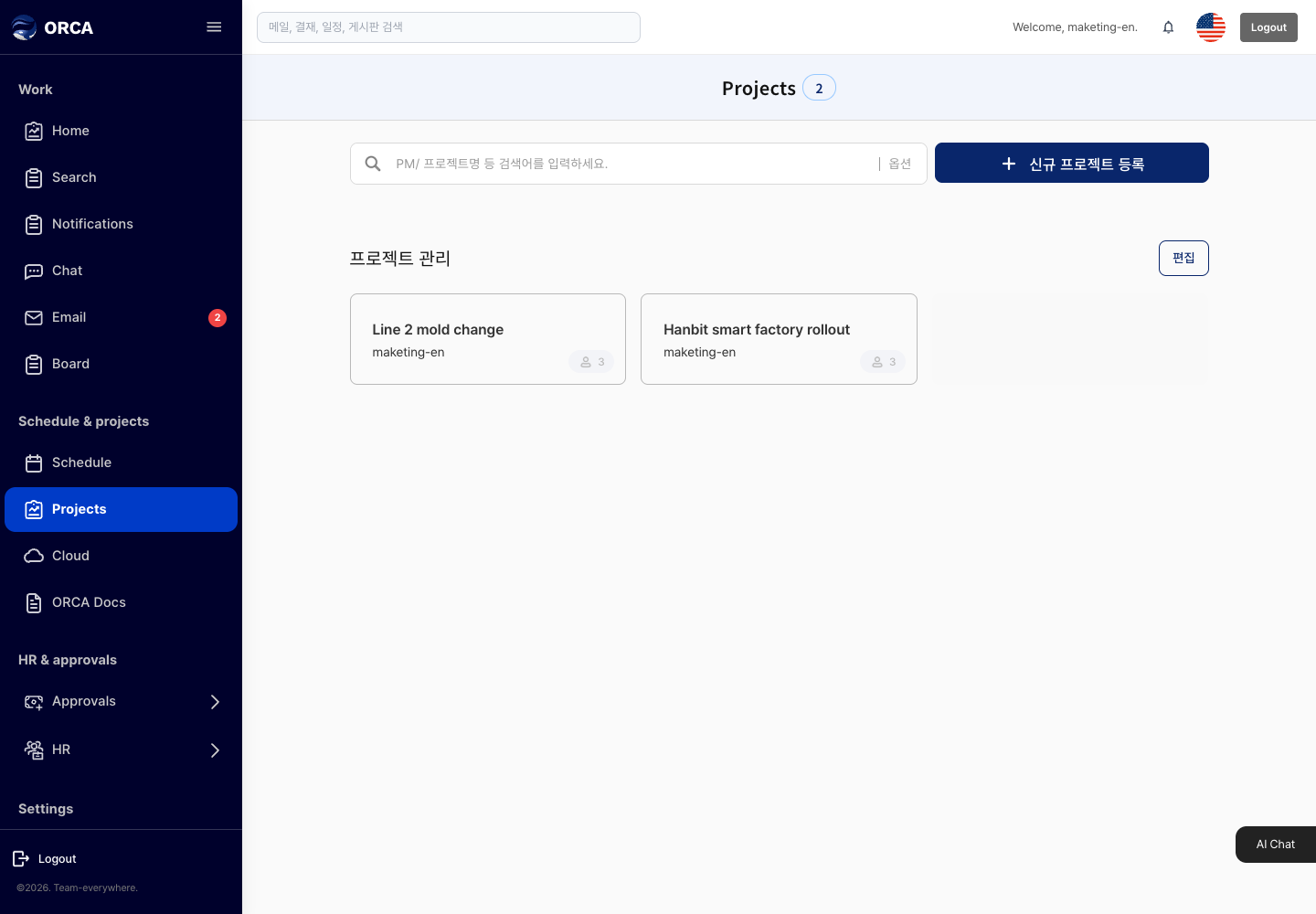
Manage projects, tasks, and assignee availability, and keep contracts, costs, and collections inside each project.
View manual →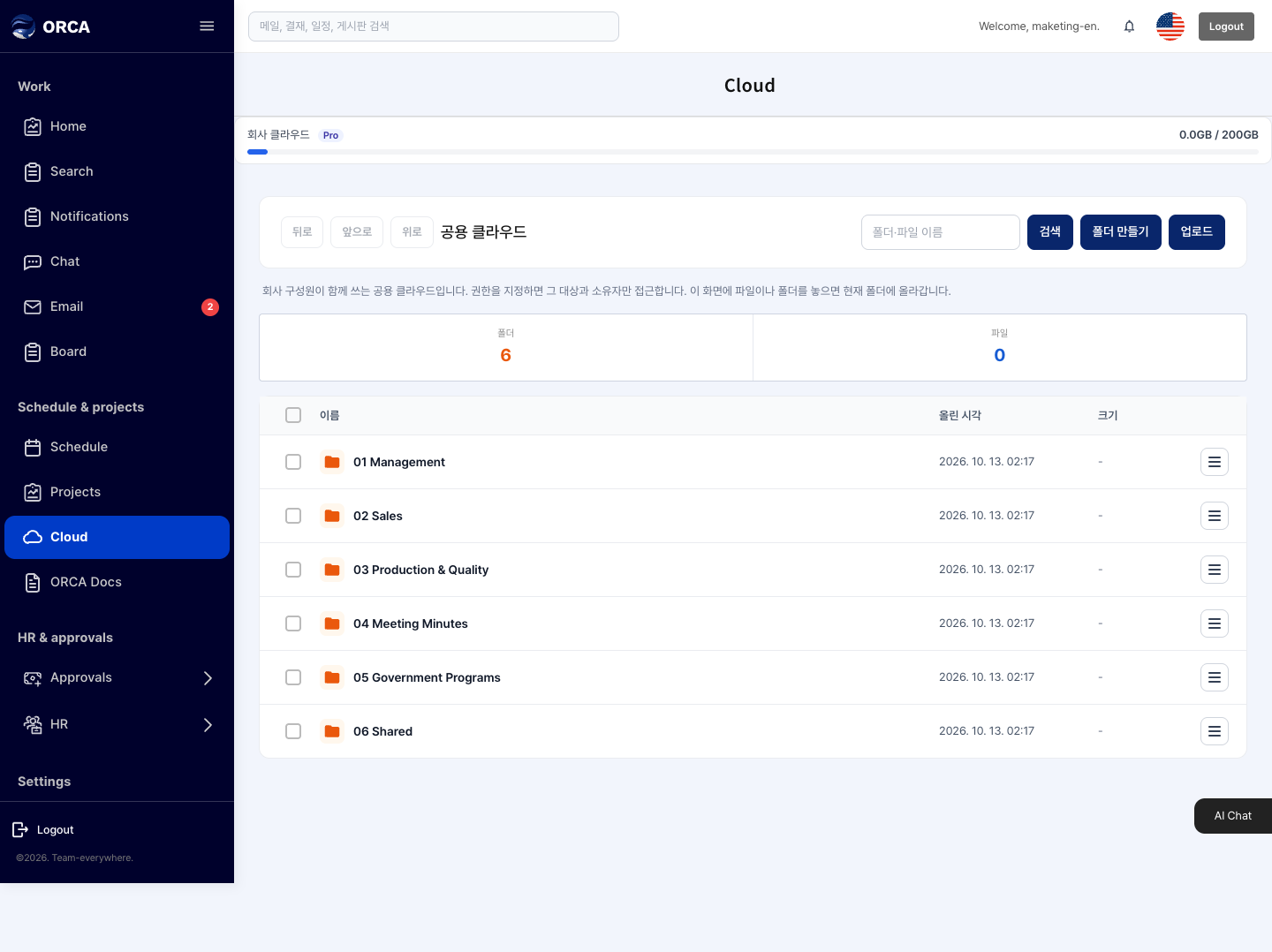
Share folders and files with external links, permissions, and version history. Edit DOCX, XLSX, and HWPX documents in the browser and export to PDF.
View manual →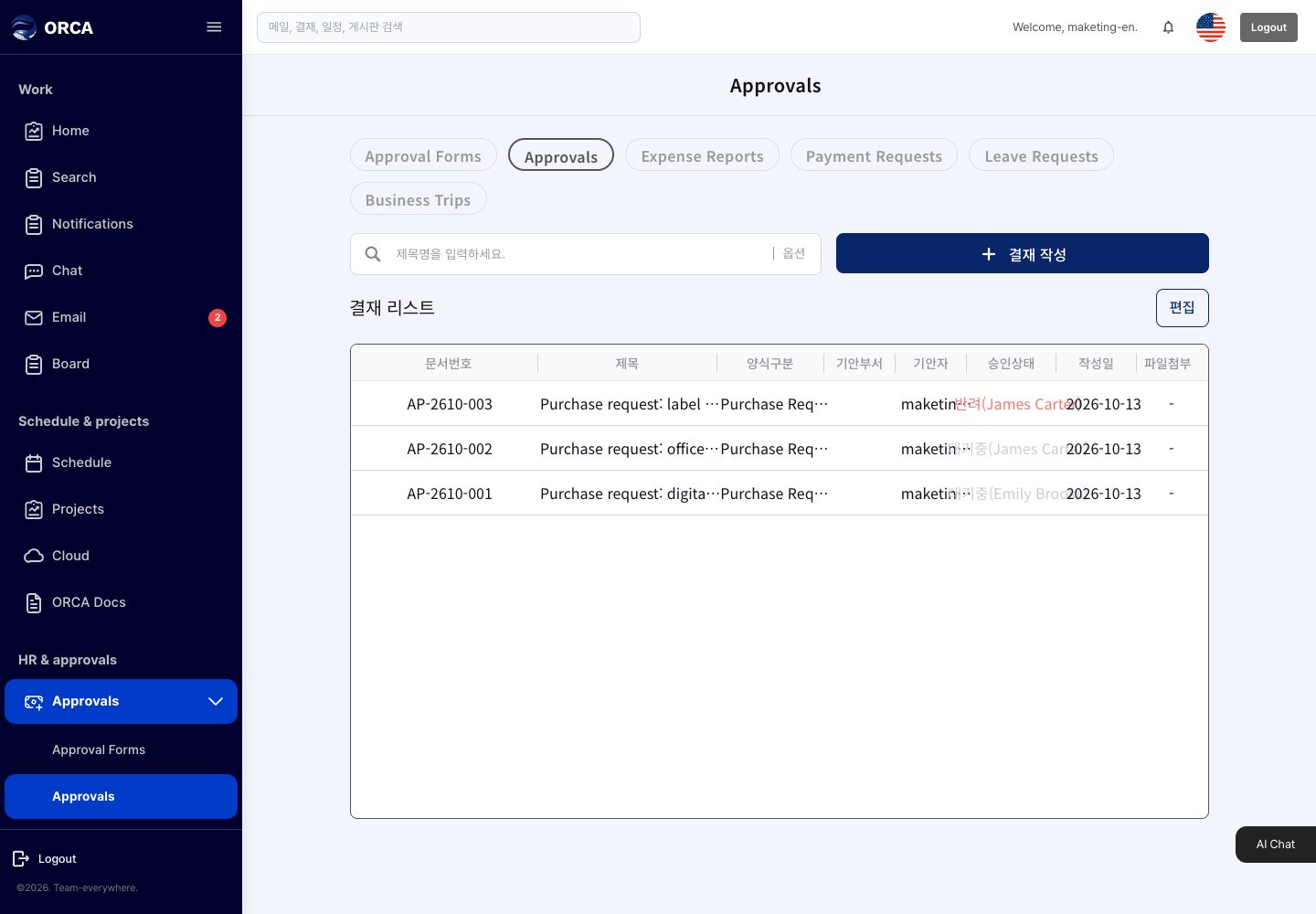
Manage approval forms and progress, and process expense reports, proposals, leave, and business trip approvals.
View manual →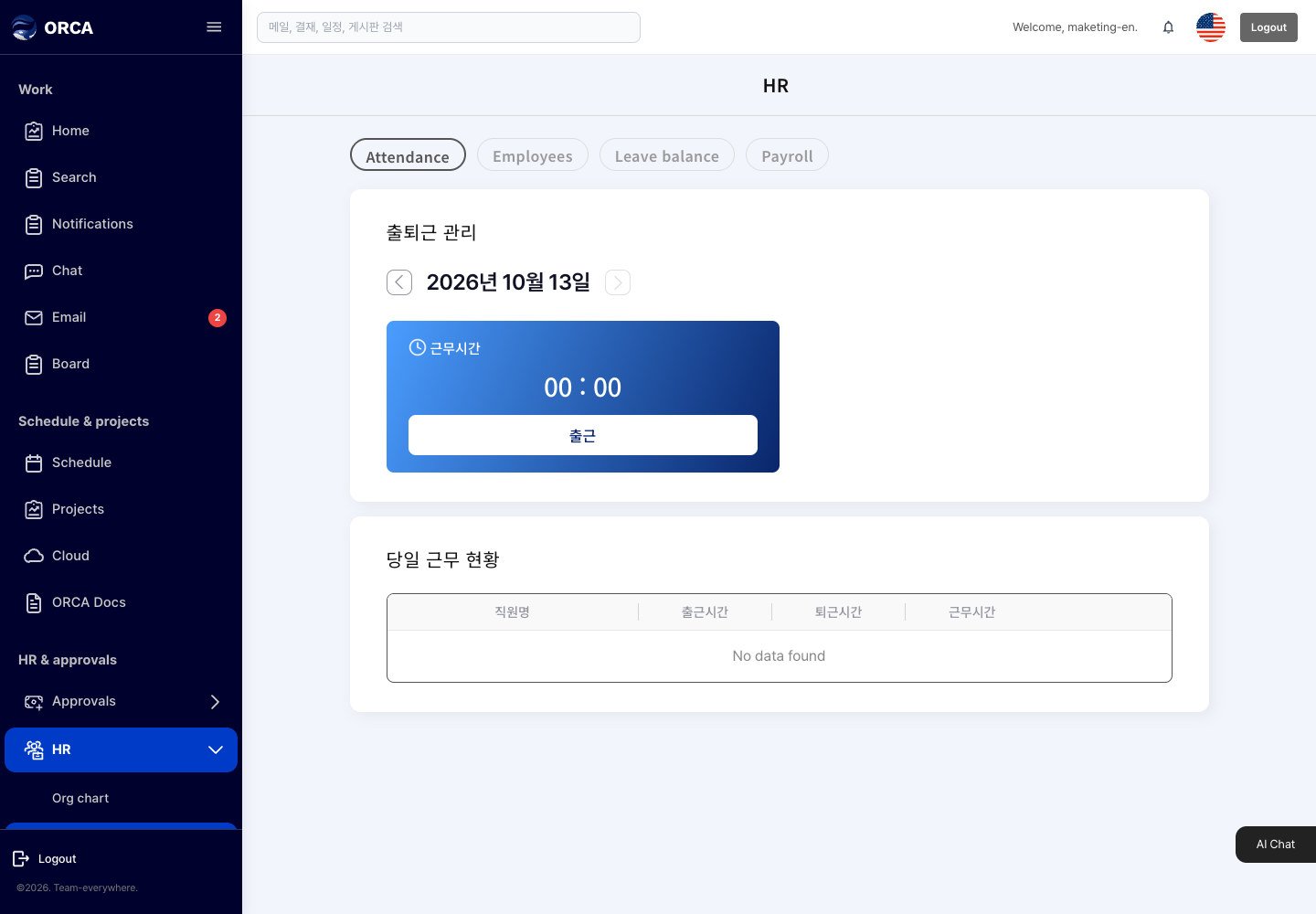
Org chart, employee records, check-in and work status, leave, payslips, and payroll ledgers.
View manual →Sign in with your ORCA MRP & MES account. New here? Check the manual for how each menu works.