
|
This Update Key Summary
|
|
|
1. Purchase Order AI Recognition — Sales Order Auto-Entry
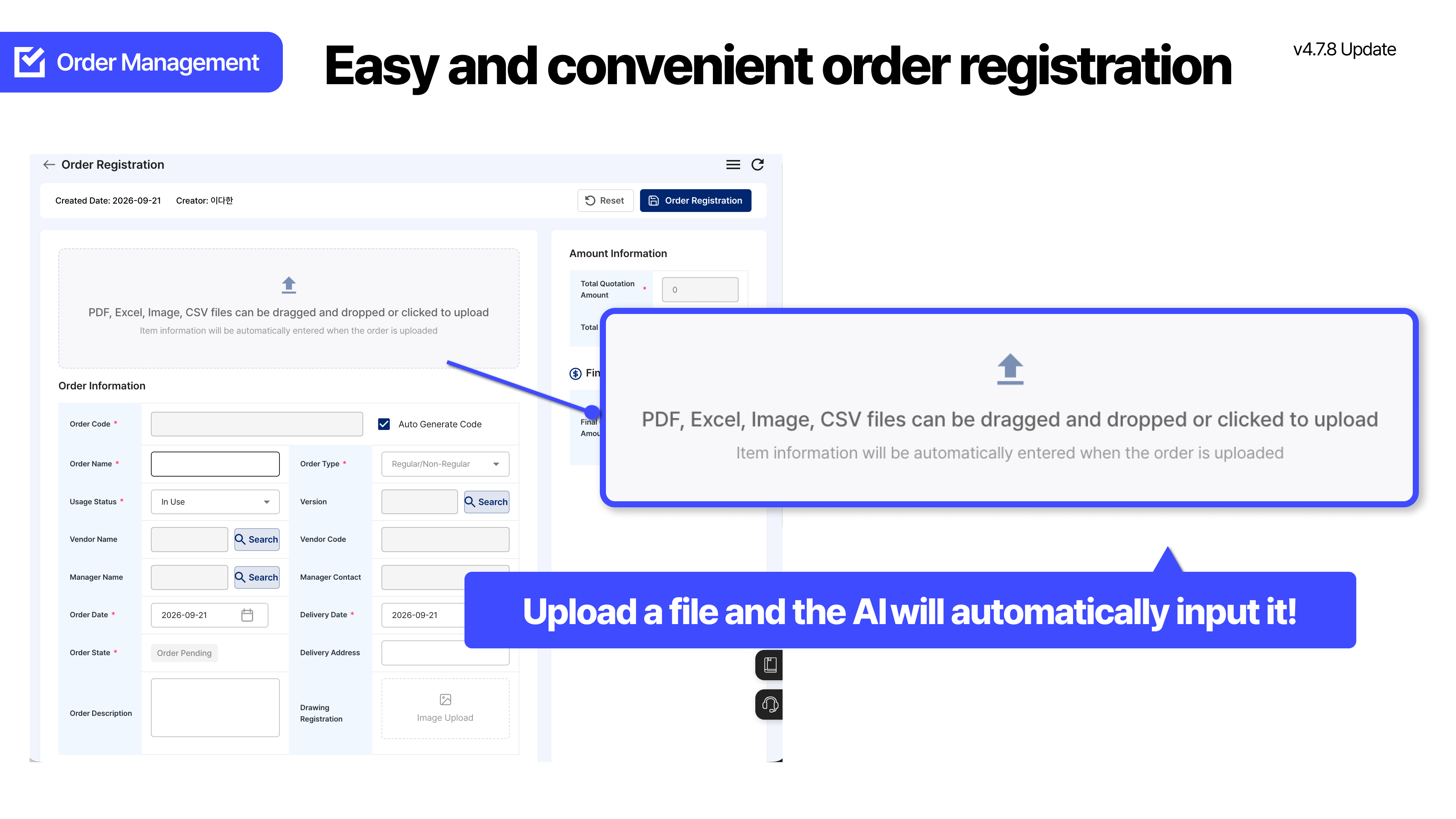
When you upload a purchase order in Sales Order Management > New Registration, AI extracts sales order and item information and automatically applies it to the input fields.
|
|
1
When you upload a purchase order, the sales order is filled in
|
|
: Purchase Order AI Recognition
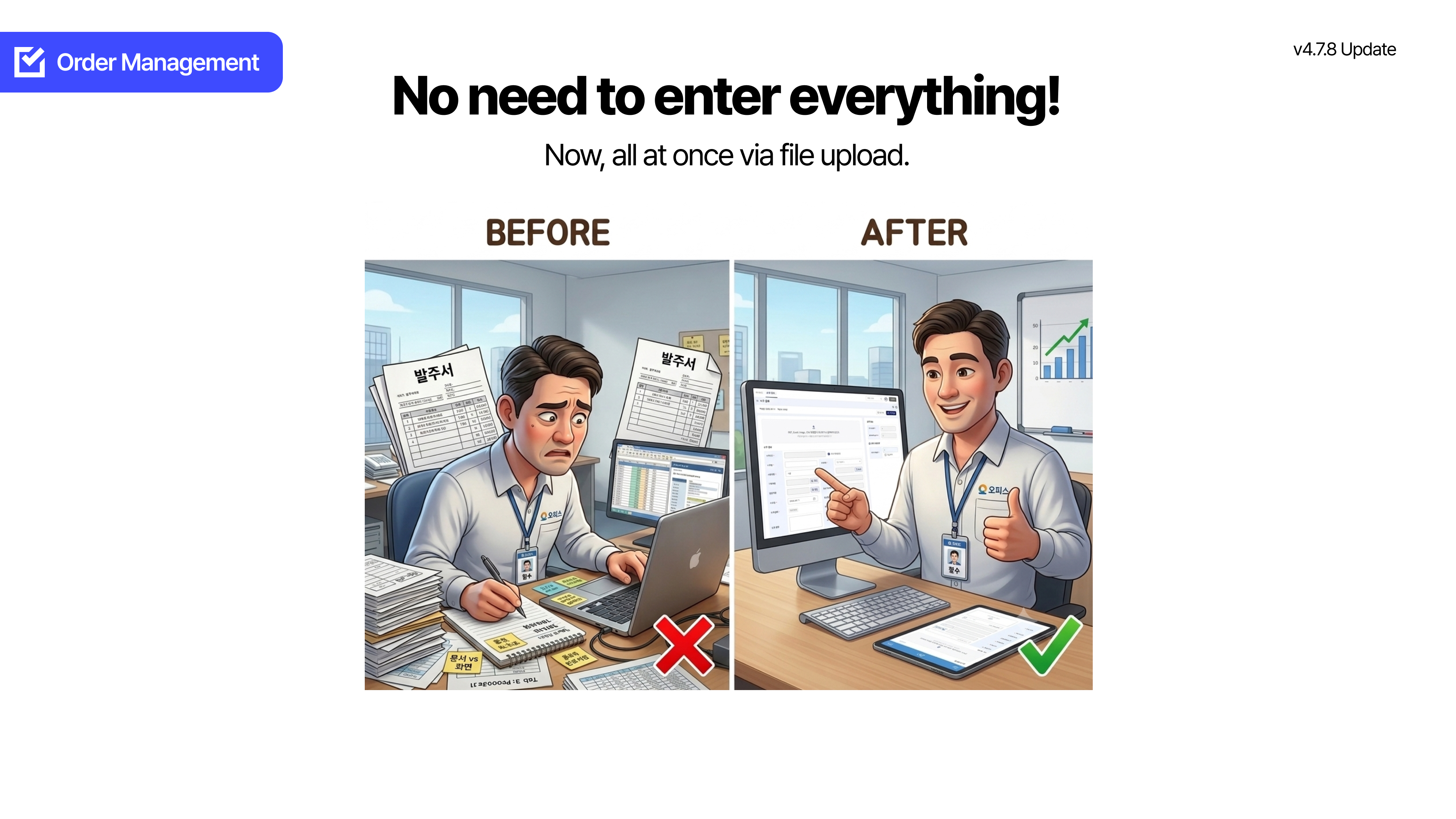
❌ Before
Every time you received a customer purchase order, you had to
re-enter the content on the sales order registration screen.
Switching between the document and the screen to match sales order and item fields was repeated.
✅ After
When you upload a purchase order file in Sales Order Management > New Registration,
AI recognizes and analyzes the document, extracts sales order and item information, and automatically applies it to the input fields.
After checking and supplementing the filled-in values, you can register.
|
|
+
Additional Update Items
|
📅 Automatic calculation of production completion date · Holiday work
The scheduled production completion date is automatically calculated from the scheduled production start date/time and lead time, and whether holiday work applies is also reflected.
⏱ BOP required time · required period separation
You can check required time and required period separately, so you can grasp the production schedule more intuitively.
🧮 Sales order material cost BOM consistency
We fixed it so that material costs by item on sales order registration and detail are accurately calculated and displayed based on the BOM.
🛡 Shipment impact notice when deleting a product
We added impact notice text for linked shipment information to the product deletion notice modal, so you can check the impact before deletion.
|
|
Frequently Asked Questions
|

|
Do I have to re-enter sales order items one by one while looking at a customer purchase order?
|
|
|
A. When you upload a purchase order in Sales Order Management > New Registration, AI recognizes and analyzes the document, extracts sales order and item information, and automatically applies it to the input fields. After checking and supplementing, you can register.
|
|
|
|
Where is Purchase Order AI Recognition used?
|
|
|
A. You can use it when uploading a purchase order file on the Sales Order Management > New Registration screen.
|
|
|
|
Can I register the values filled by AI as they are?
|
|
|
A. The extracted values are automatically applied to the registration screen fields. We recommend a flow of checking and supplementing, then registering.
|
|
|
|
Is the completion date of the production plan also shown automatically?
|
|
|
A. The scheduled production completion date is automatically calculated based on the scheduled production start date/time and lead time, and whether holiday work applies can also be reflected.
|
|
|
|
On what basis are material costs shown on the sales order screen?
|
|
|
A. We fixed it so that material costs by item on sales order registration and detail are accurately calculated and displayed based on the BOM.
|
|
Smart manufacturing management,
Start with ORCA
|
|
|
| 01 |
| Free data migration |
|
ORCA organizes Excel and handwritten ledgers and migrates them for free.
|
|
|
|
| 02 |
| KRW 9,900 per person / month |
|
Start a smart factory at a reasonable cost with no construction fee.
|
|
|
|
|
|
Go to the ORCA landing page
|



