[Food Manufacturing] ORCA MES & MRP Case Study for Excel BOM Material Checks
Excel BOM omission checks improved with ORCA material master standards
A food manufacturing team needed to check Excel BOMs for missing materials and input quantity errors.
Semi-finished formula standards and finished-goods packaging standards had to be compared by item unit.
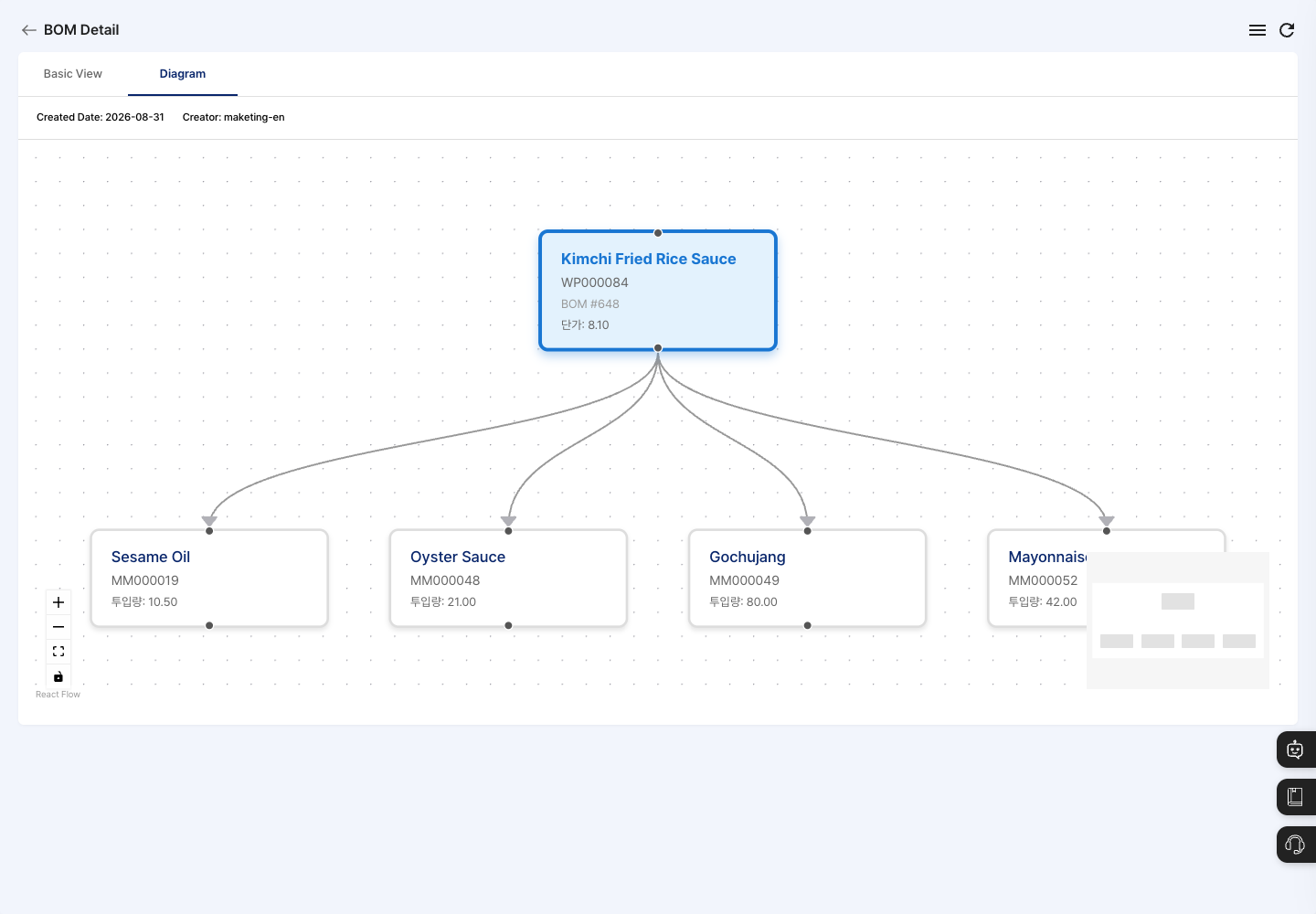
In ORCA MES & MRP, product materials and required quantities are defined as BOM data for MRP production planning.
- Raw materials and packaging materials linked to each product are reviewed with their required quantities.
- Required quantity fields for added materials are entered without blanks.
- Formula and packaging changes are reviewed against the same BOM materials and quantities.
Formula and packaging standards had to be checked separately
The food manufacturer had to manage formula ingredients for semi-finished items separately from packaging materials for finished goods.
The team reviewed Excel BOMs to check whether required materials were missing. Base units and input quantities also had to match each item.
In an environment requiring raw material LOT tracking and shelf-life management, the material composition for formulas still had to be clear first.
Before reviewing yield and packaging-unit inventory, BOM base units and input quantities had to be checked.
Product material standards organized as the basis for production planning
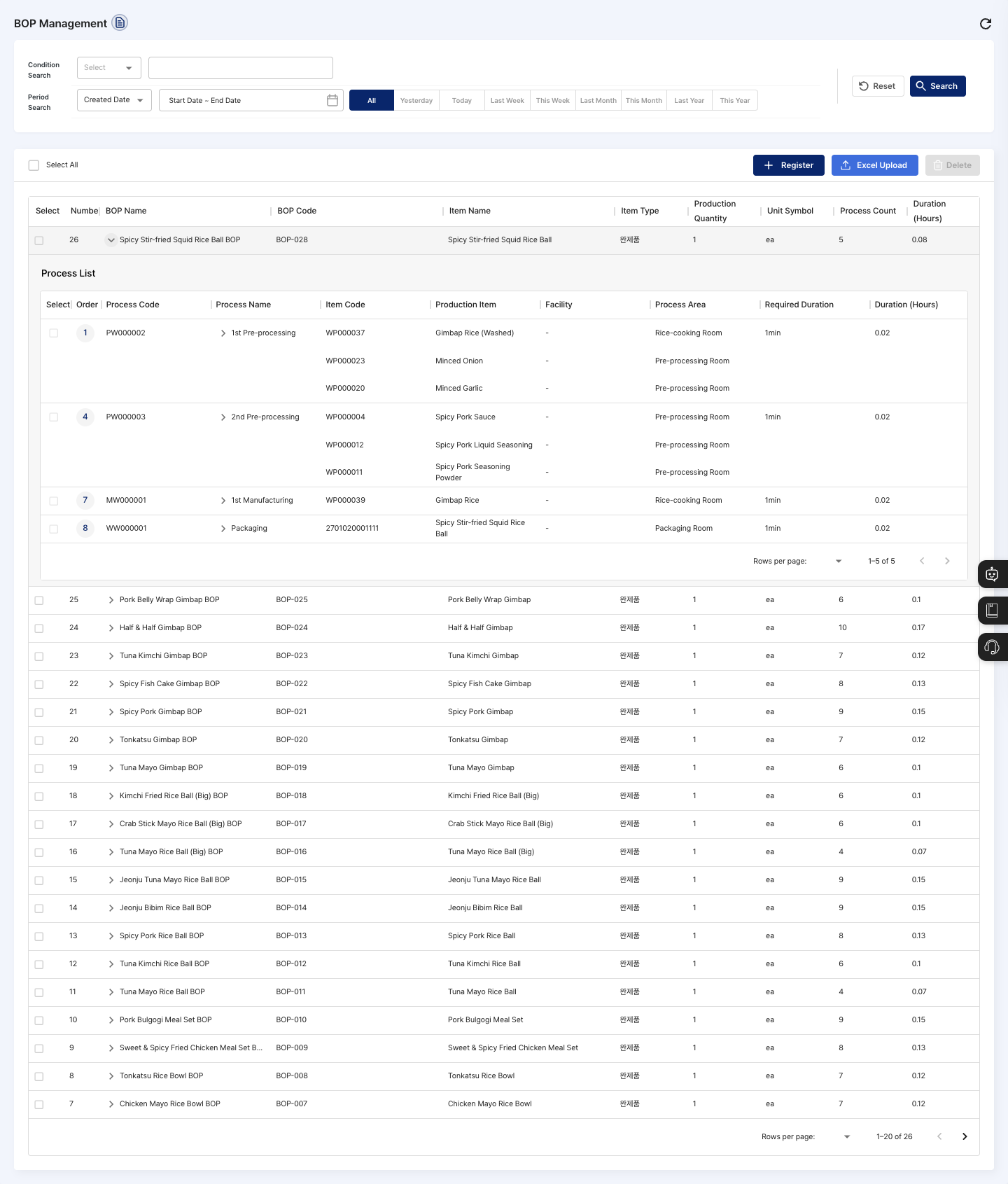
The team first aligned item master standards in the manufacturing MES, then linked required materials and quantities in BOM management.
-
Align item units for formula and packaging standards
Production items and input materials are registered first, with item types, base units, and specifications checked before BOM registration.
-
Connect product materials and check required quantities
In BOM management, a product or semi-finished item is selected, required materials are linked, and quantities per base item are entered without blanks.
-
Review changes against the MRP production planning basis
When formula or packaging standards change, BOM materials and required quantities are edited after checking whether active production plans use that BOM.
Function scope used in this workflow
- Master Data Management → Item Management manages finished goods, semi-finished goods, raw materials, and subsidiary materials.
- Master Data Management → BOM Management registers at least one material for each BOM.
- BOM unit requirement and input quantity fields are required for each added material.
- If unit conversion is selected, the display unit is checked against the actual input basis.
- After saving, the completion message and BOM list update are checked.
- ORCA is accessible from PC, tablet, and mobile for remote review.
Work comparison before and after applying ORCA
| Work | Before | After applying ORCA |
|---|---|---|
| Material composition check | Formula ingredients and packaging materials had to be checked for omissions in Excel BOMs. | Linked materials and quantities are reviewed together in product BOM details. |
| Quantity and unit check | Units and quantities had to be checked for semi-finished formulas and finished-goods packaging. | Required quantities per base item are defined, and required fields are entered without blanks. |
| Formula standard changes | Changed material composition and required quantities had to be organized for production planning. | BOM materials and quantities are edited after checking whether active plans use that BOM. |
Frequently Asked Questions
- What should be prepared before food manufacturing BOM management?
-
Production items and input materials are registered first.
Base units for semi-finished and finished items are checked with input standards for raw and packaging materials.
- Which quantities are required when saving a BOM?
-
At least one material must be added.
Each material needs BOM unit requirement and input quantity fields, and those fields cannot be blank.
- How does the BOM connect to production planning material requirements?
-
BOM materials and quantities become the basis for required materials in later production plans.
Before changes, active plan use of the BOM is checked.
- How are standard quantities for formula ingredients or packaging materials changed?
-
Select the target from the PC admin BOM list and click edit in the detail screen.
Change the input material or standard required quantity, then save.