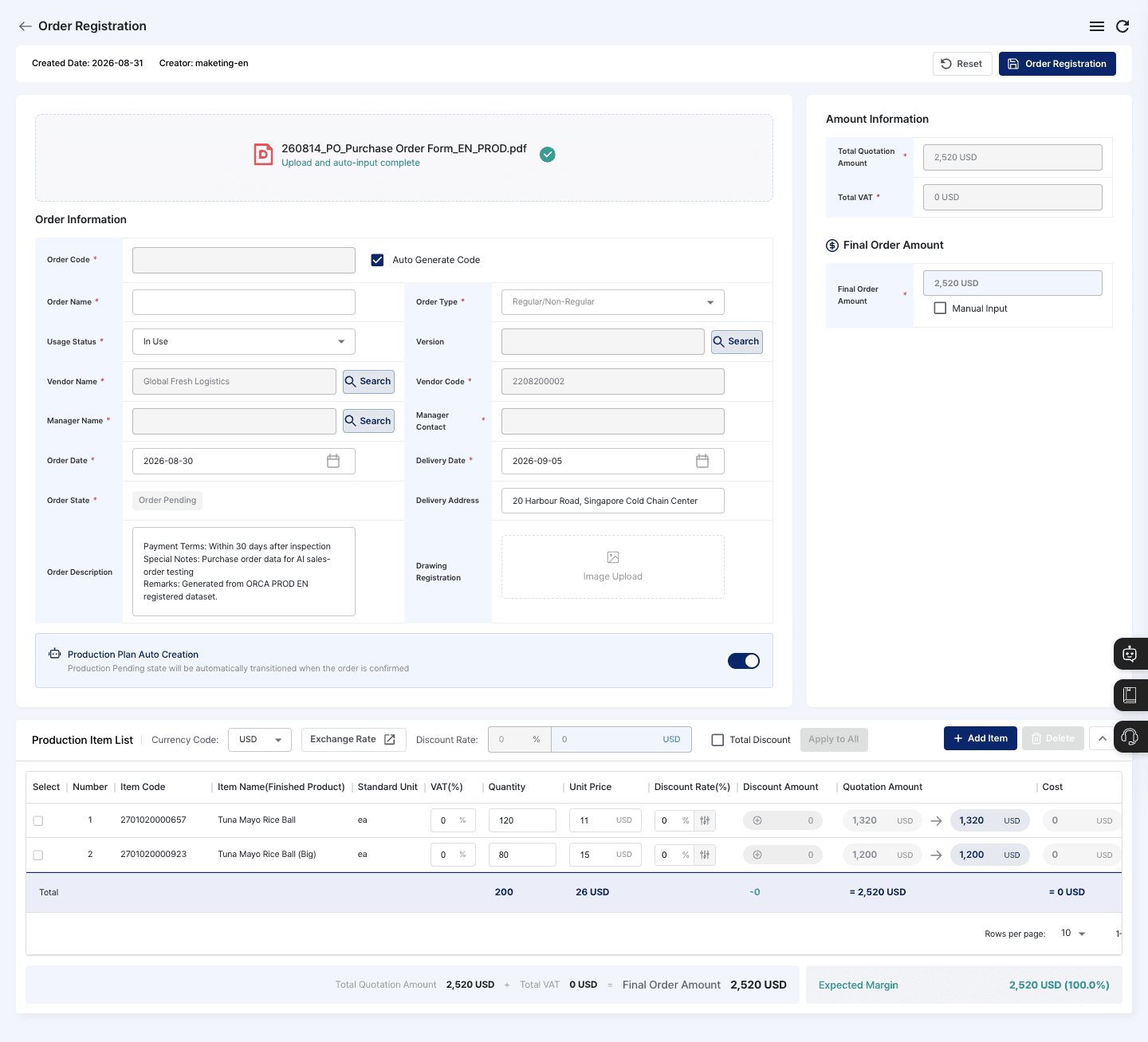
Purchase order → sales order
AI reads purchase orders from email, images or PDF and registers customer, item, quantity and due date as a sales order.
More on order management →Digitize the shop floor with AI OCR and process sensors, choose the automation project that fits your process (robot automation, defect prediction or predictive maintenance), and run everything in ORCA MES.
Most shop-floor problems come from missing data. ORCA starts by collecting it, then applies AI to the one spot that hurts most.
AI OCR reads the documents and sensors count machines and products. Records build up in ORCA without anyone retyping them.
AI reads purchase orders from email, images or PDF and registers customer, item, quantity and due date as a sales order.
More on order management →Read items and structure from drawings to register item and BOM master data quickly.
More on BOM & BOP →Photograph a material label and ORCA reads item, quantity and LOT to register the receipt.
More on inventory & shipping →The customer, items, quantities and due date AI reads are filled into the order screen. Your team just checks and saves.
Measures topping and product weight and keeps it as process and quality data.
Tracks machine load and run/stop status without a PLC.
Detects products to count them and triggers vision capture or robot motion.
Smart factory automation doesn't stop at collecting data. Pick one project that fits your process and apply it in depth. Scope and integration are decided together after a site visit.
Repetitive work goes to robots, work data goes to ORCA. Robots, sensors and MES in one flow.
Data from sensors, vision and robots flows into work results and LOT history, and AI carries on to documents and production plans.
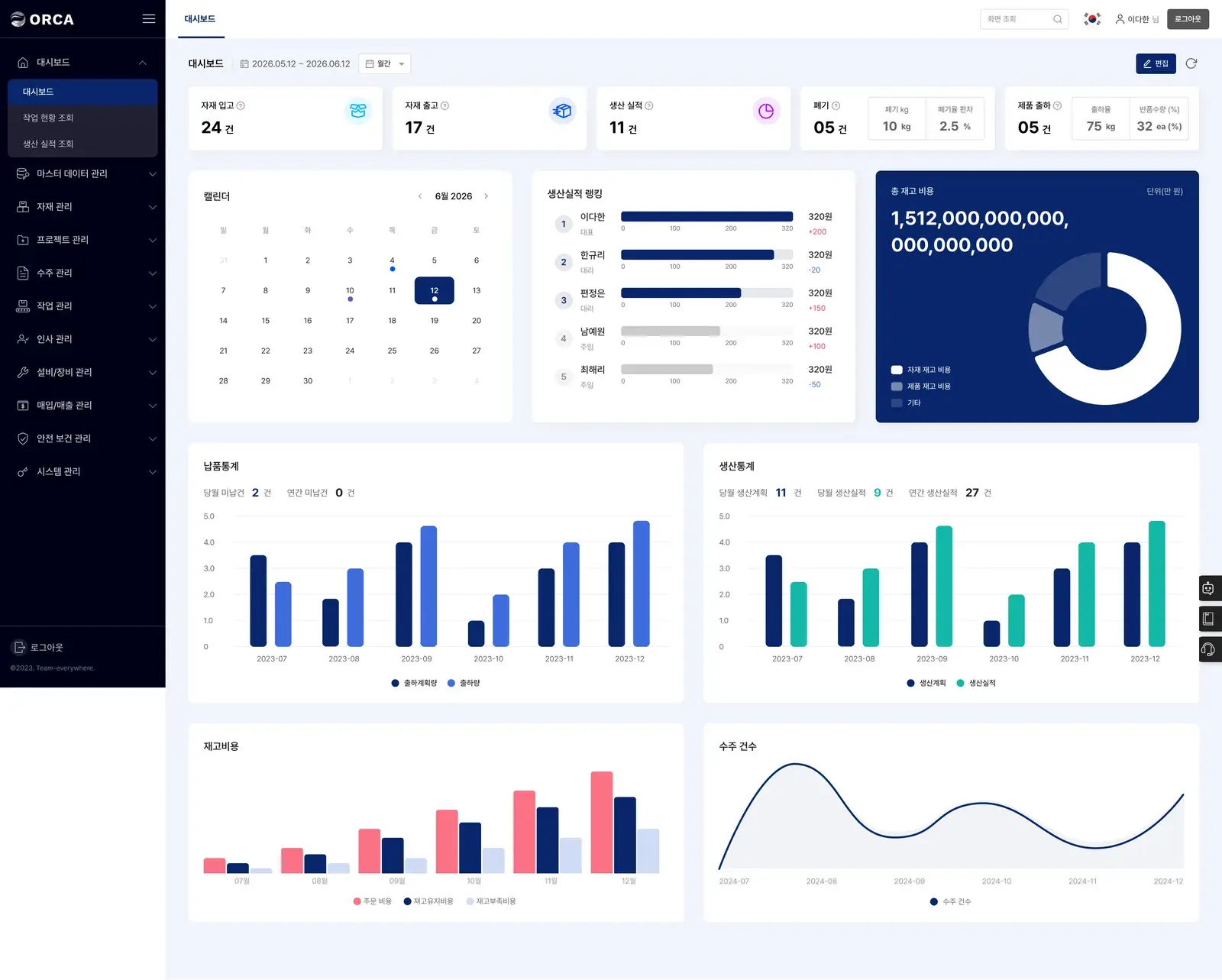
Automatic work results, LOT traceability, and a dashboard for defect rate, OEE and robot uptime
More on dashboards →Automatically generate required customer documents such as test reports
Build production plans automatically from orders, stock and machine status
More on production planning →※ Automation projects and some features (such as AI document generation) are applied during the build phase, depending on project scope and site conditions.
Tell us about your process and challenges.
We look at machines, workflow and data in person.
Pick one of three and we draft the setup.
Install sensors, vision and robots and link them to MES.
Run the shop floor from ORCA MES.
You pick one of robot automation, defect prediction or predictive maintenance to fit your process. Lots of repetitive work points to robot automation, recipe and visual quality to defect prediction, and machine or tool care to predictive maintenance.
We review the setup against the program's requirements and schedule. Tell us where you are when you request a consultation.
Yes. Weight, current and photoelectric sensors let you start collecting shop-floor data without building PLCs.
No. Sensors, vision cameras, edge devices and robots need a site check, so they are offered through consultation only, under a separate contract from the online SaaS subscription.
After reviewing your site and process, we propose a setup from data collection through automation to unified MES operation.