Sign in
Overview
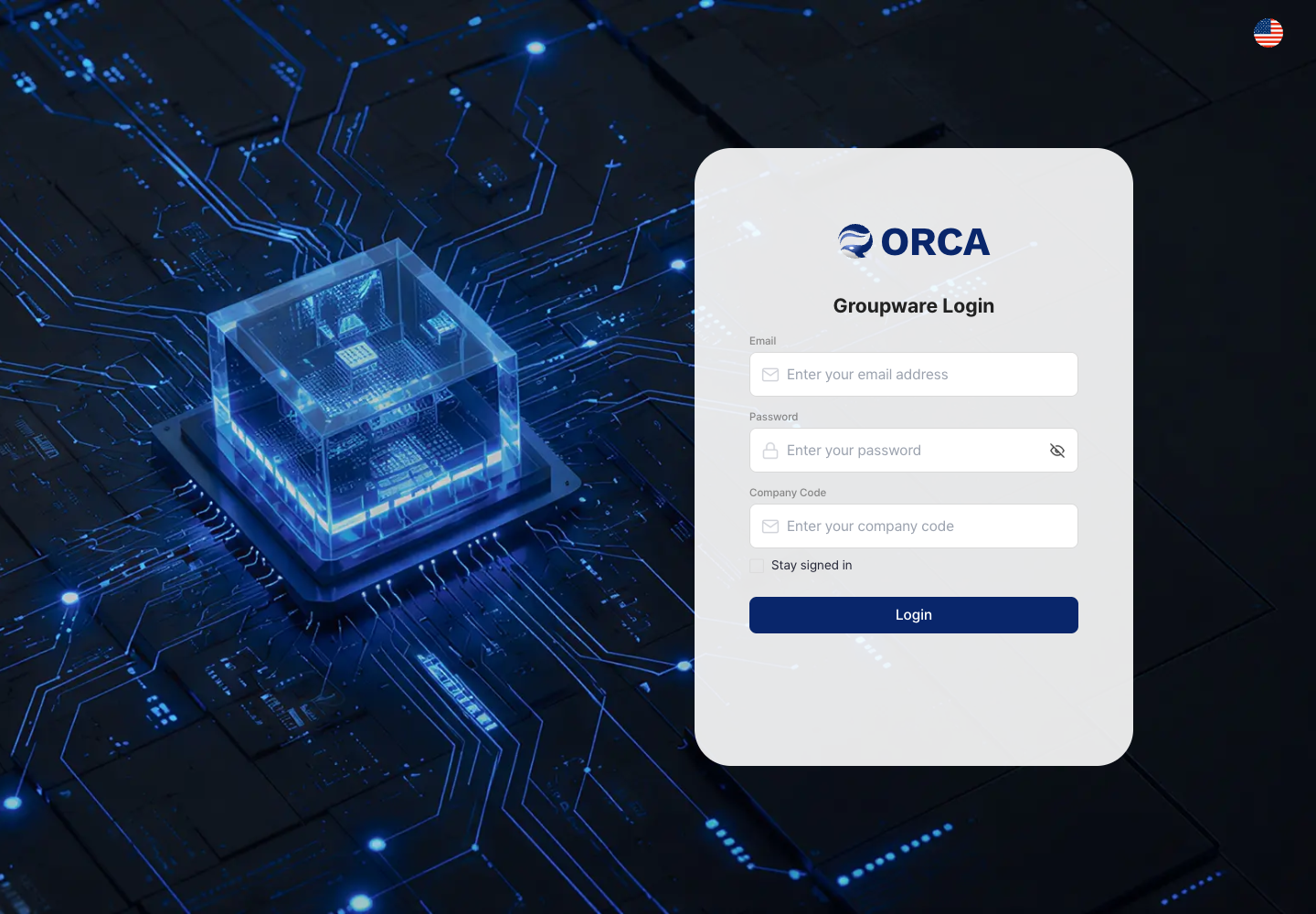
Sign in to Groupware with your ORCA account and company code. You can use the same account for MRP & MES.
Before you begin
- You need your ORCA account (email), password and company code.
- Your company must have an active Groupware subscription and its Groupware workspace must be ready. Until then, a message says the workspace is not ready yet.
Required information
- Company code, email, password
Save and processing checks
- Right after subscribing, it can take 1–2 minutes to set up the Groupware workspace.
- You can sign in to MRP & MES with the same account.
What you can do in the list
- Not applicable
Basic procedure
- Enter your company code, email and password → Sign in
- Turn on auto sign-in to skip the sign-in screen next time.