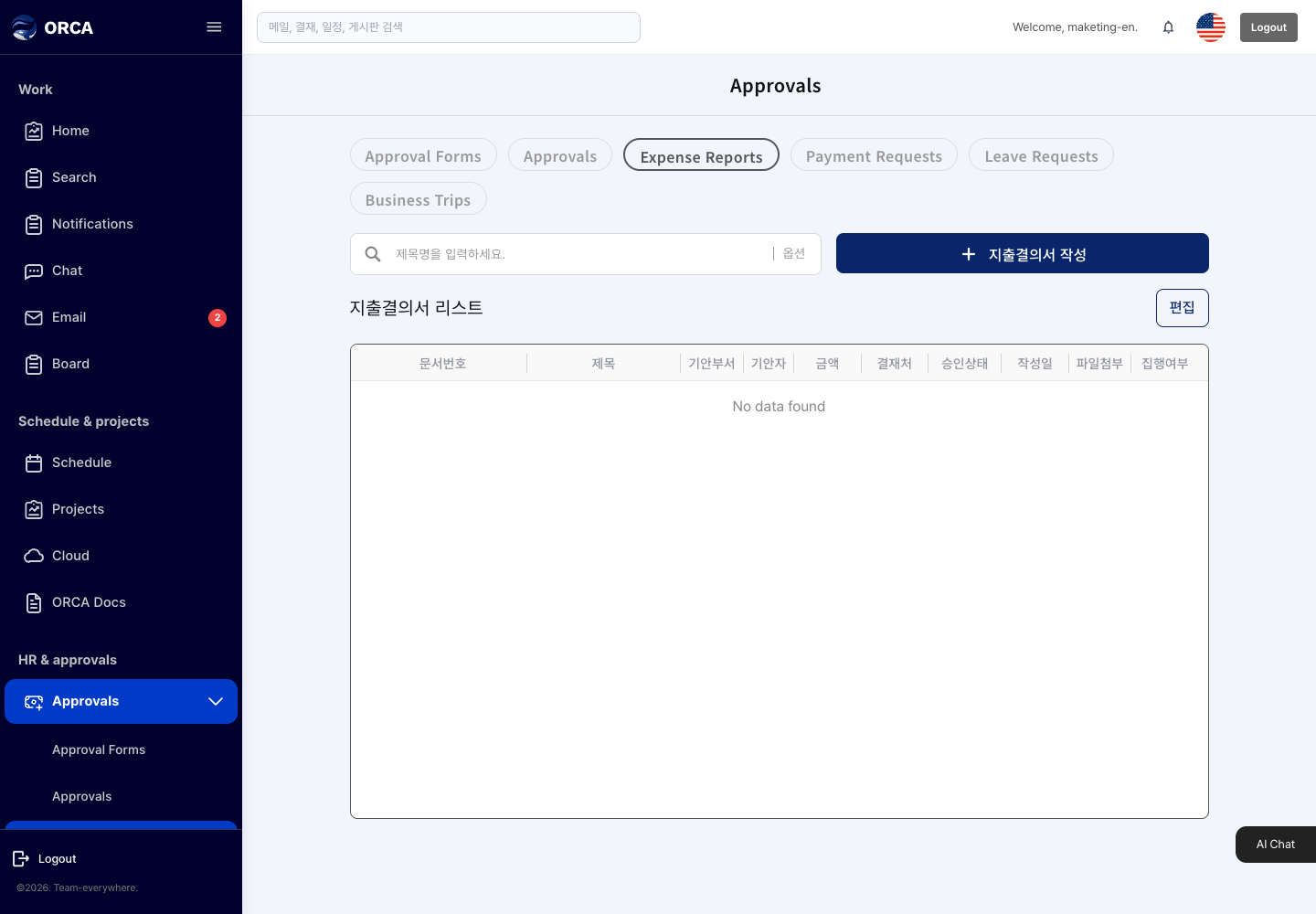
Expense report
Overview
Write an expense report and get it approved.
Before you begin
- You need the Expense report menu permission.
Required information
- Document number, title, drafter, expense type (general / corporate)
Save and processing checks
- Enter the payment date after approval is complete.
What you can do in the list
- Not applicable
Basic procedure
- New expense report → expense items and account → approval line → Submit