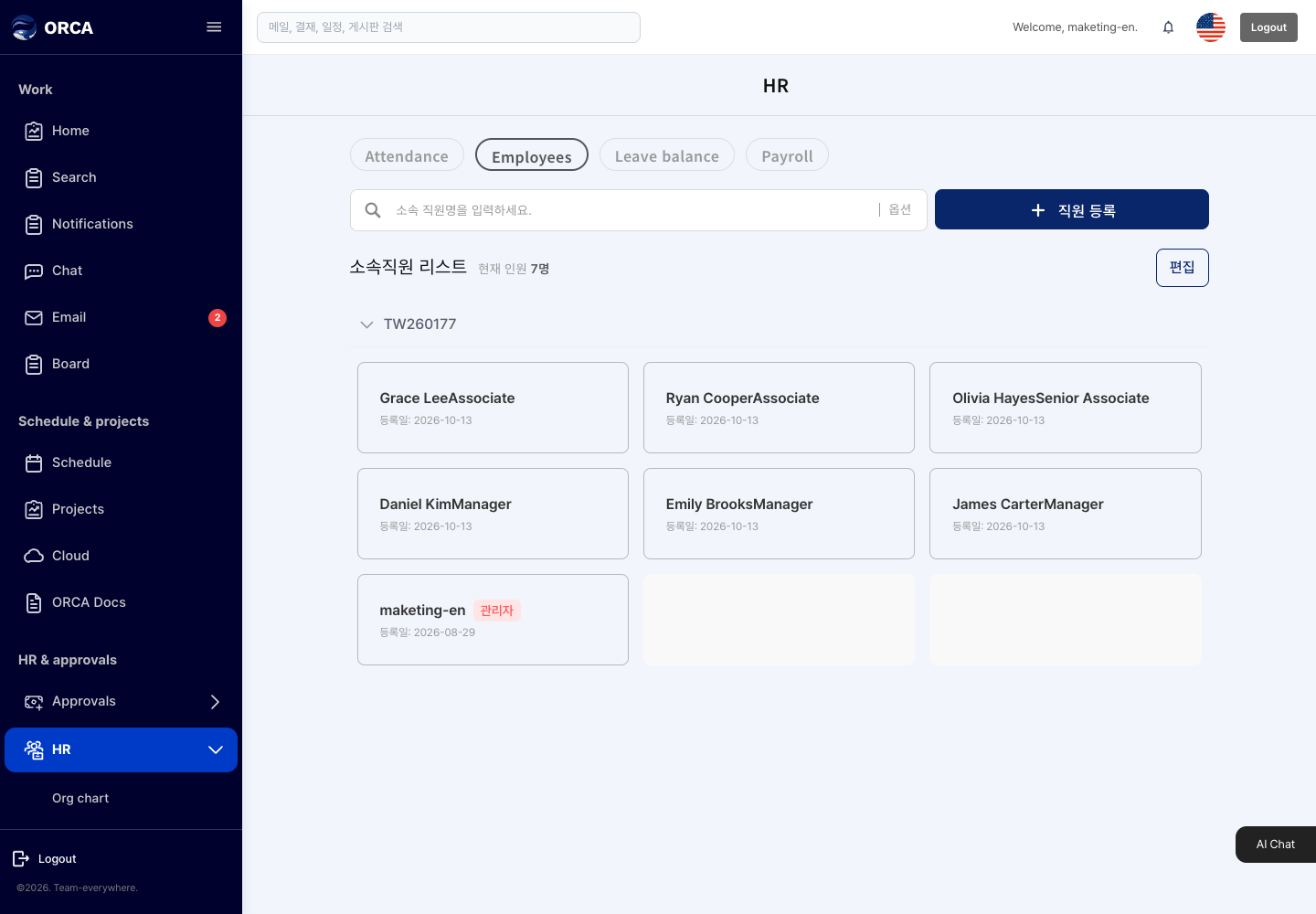
Employees
Overview
Register and edit employee information.
Before you begin
- You need admin rights and an available user seat. If you exceed your subscribed number of users, a message asks you to increase the per-user subscription quantity.
Required information
- Name, phone, employee number, company, position, team lead or not, start date, sign-in email, initial password
Save and processing checks
- Each new employee gets an ORCA platform account and uses the same account in MRP & MES.
What you can do in the list
- Not applicable
Basic procedure
- Add employee → enter the required information → Save