Projects
Overview
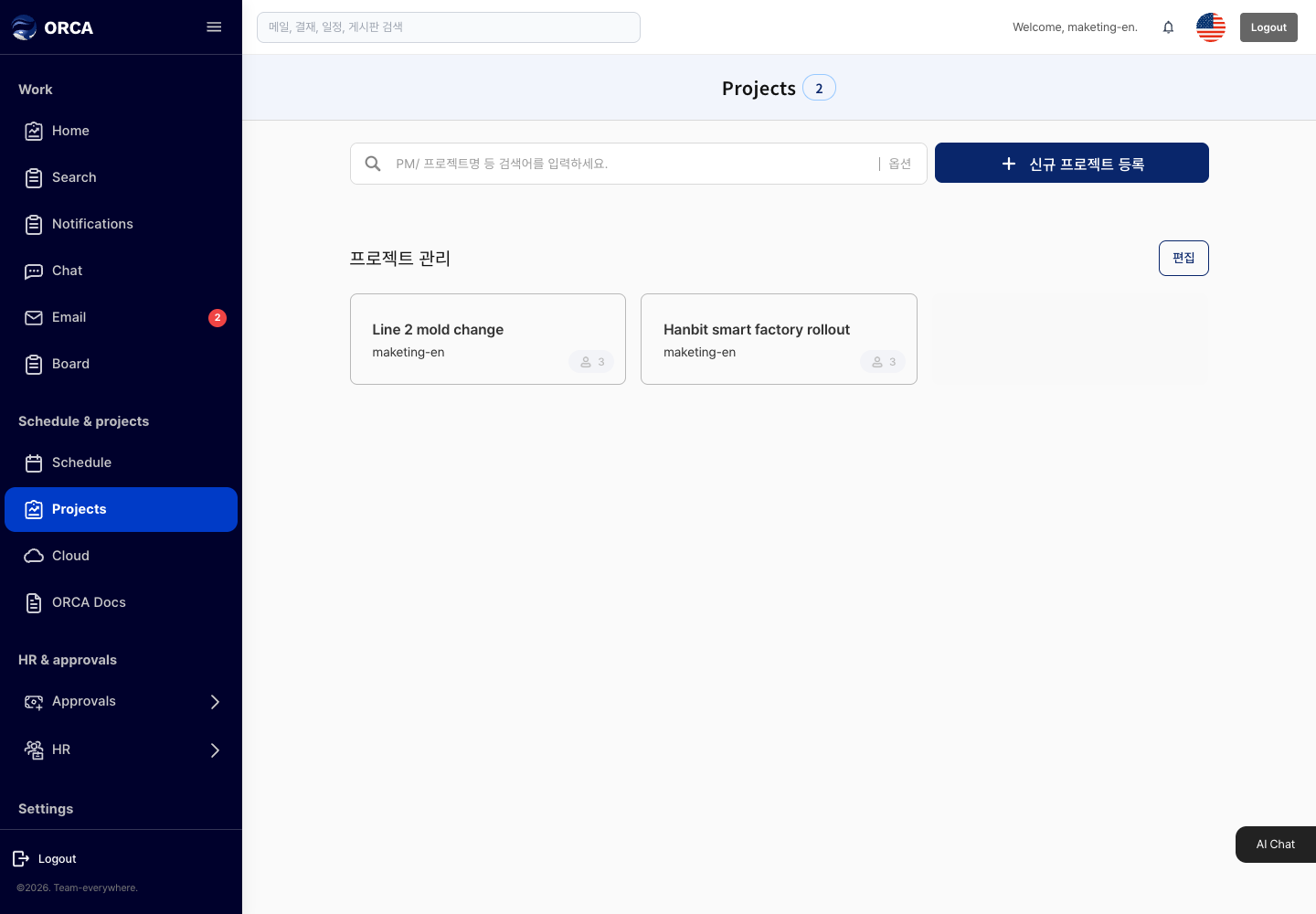
Create projects and tasks, and manage owners, due dates and progress.
Before you begin
- You need the Projects menu permission.
Required information
- Project: owner, project name
- Schedule (phase): project
- Task: schedule, task name, status (planned / in progress / done / delayed / on hold / canceled)
Save and processing checks
- If a task, leave or business trip for the same person overlaps, a message says the person is unavailable in that period and the task is not saved.
What you can do in the list
- Expand project → schedule → task, and leave notes and comments on tasks.
- Tasks also appear on the calendar.
Basic procedure
- New project → add a schedule → add tasks (owner, period, status)