Calendar
Overview
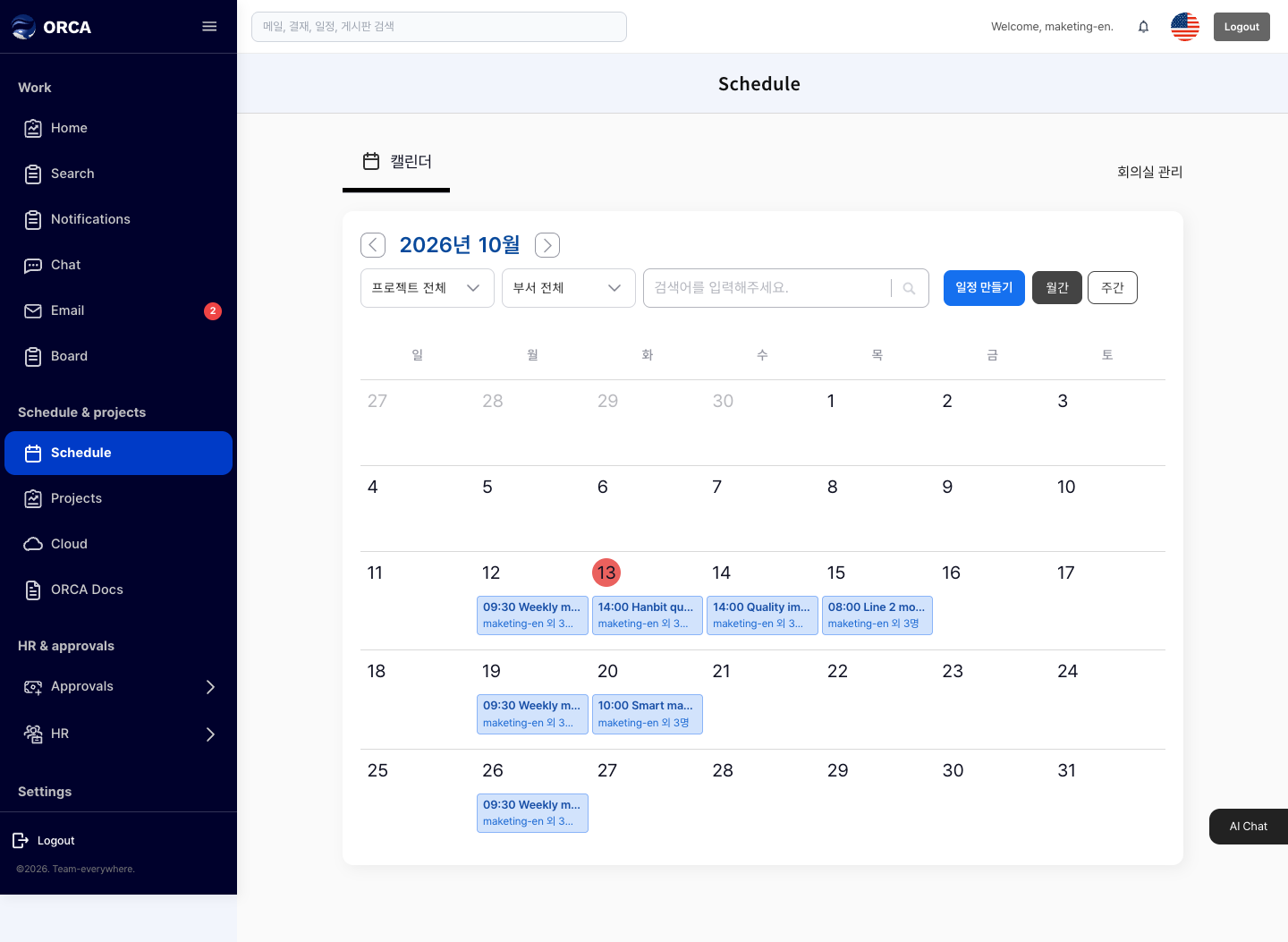
Manage personal and company events on a calendar.
Before you begin
- You need the Calendar menu permission.
Required information
- Title, start and end time, visibility (only me / shared)
Save and processing checks
- A shared event needs at least one invitee.
- Don't add yourself as an invitee.
- For recurring events, set either an end date or a number of repeats.
- If you choose a room that is already booked at that time, the event is not saved and you'll see that the room is already booked.
What you can do in the list
- See personal and shared events together with project tasks on the monthly calendar.
- Reply to invitations with whether you'll attend.
Basic procedure
- Click a date to add an event → title, time, room, invitees → Save