E-approval
Overview
Submit request and draft documents, then approve or reject them.
Before you begin
- You need the E-approval menu permission.
- You need an approval form and at least one other employee as an approver.
Required information
- Form, document number, title, drafter, approval line (at least one approver, in order)
Save and processing checks
- Approvers approve or reject in order. If a document is rejected, the drafter edits it and submits it again.
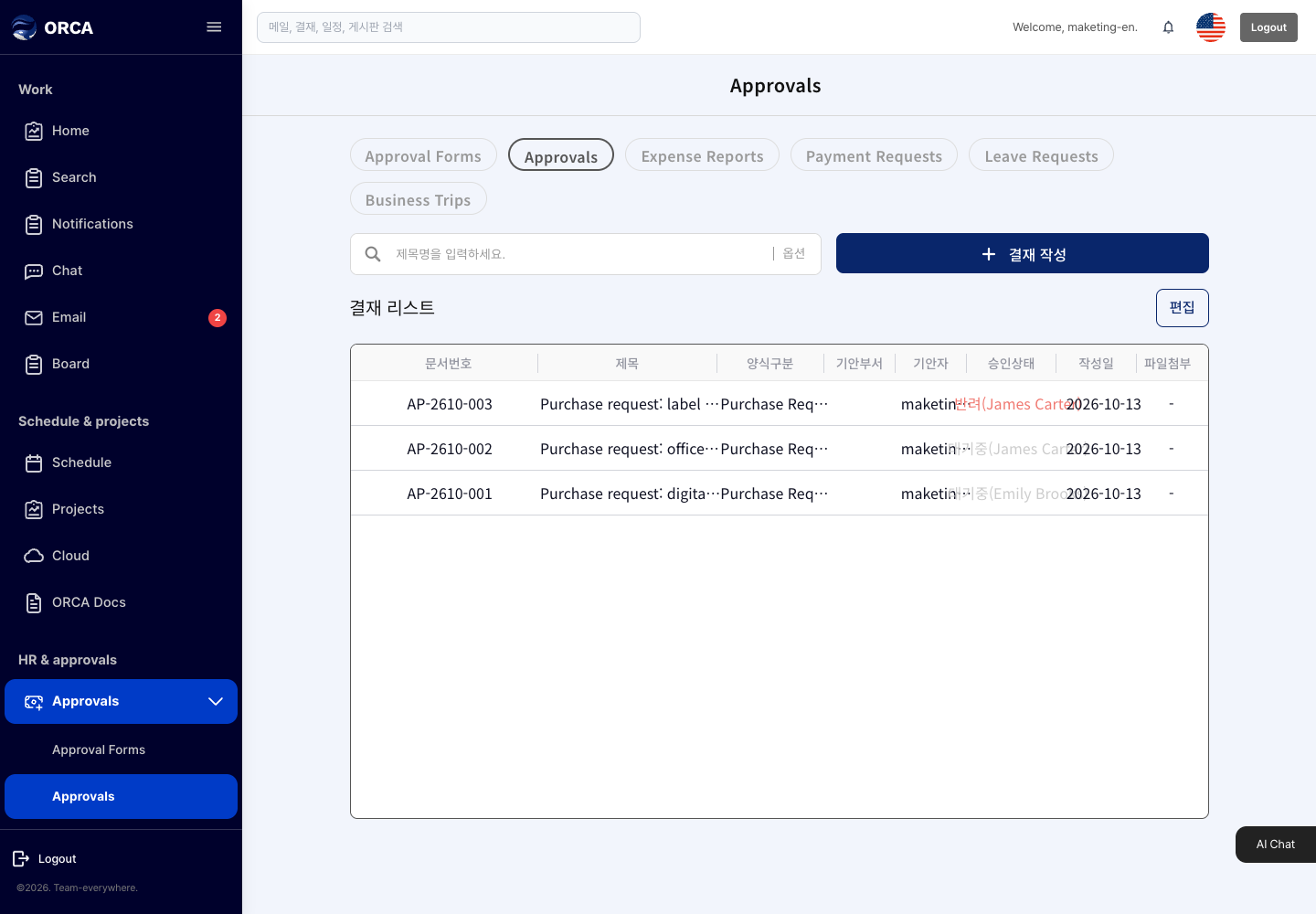
What you can do in the list
- View pending, in-progress, completed and rejected documents, and leave comments
Basic procedure
- New draft → choose a form → content and approval line → Submit