Overview
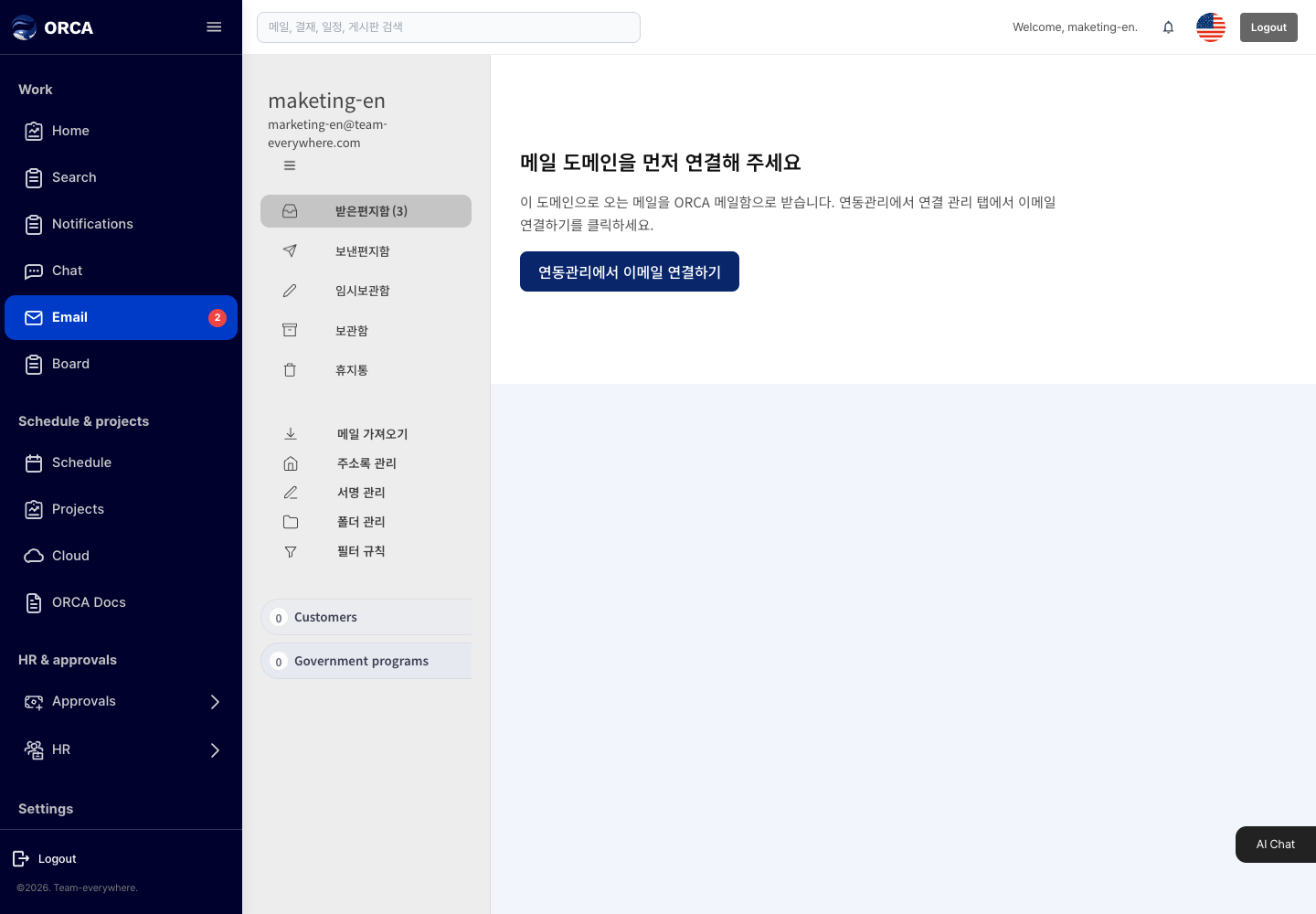
Manage mail in Inbox, Sent, Drafts, Archive, Trash and your own folders, and import existing mail.
Before you begin
- You need the Mail menu permission.
- Your sender address is based on your company mail domain. If there is no address, a message says the sender email is not set.
Required information
- New mail: at least one recipient and a subject
Save and processing checks
- Mail sent to an internal company address goes straight to the recipient's inbox.
- To schedule sending, set a time from Drafts.
- Import mail only adds mail exported from another service to your Inbox and Sent folders; it never sends it again. A message with the same Message-ID is imported only once.
What you can do in the list
- Move between Inbox, Sent, Drafts, Archive and Trash
- Create your own folders (for example, Customers or Government programs)
- Mark as read/unread, archive, delete
Basic procedure
- Write → recipients, subject and body → Send
- Continue saved drafts from Drafts.