KPI
This screen shows key performance indicators such as production quantity, delivery lead time, defect rate, uptime, and cost as charts by period. You can compare weekly, monthly, and yearly trends to review your plant's performance.
Screen layout
When you open the screen, the Week KPIs are loaded automatically. The screen title is shown as KPI Dashboard.
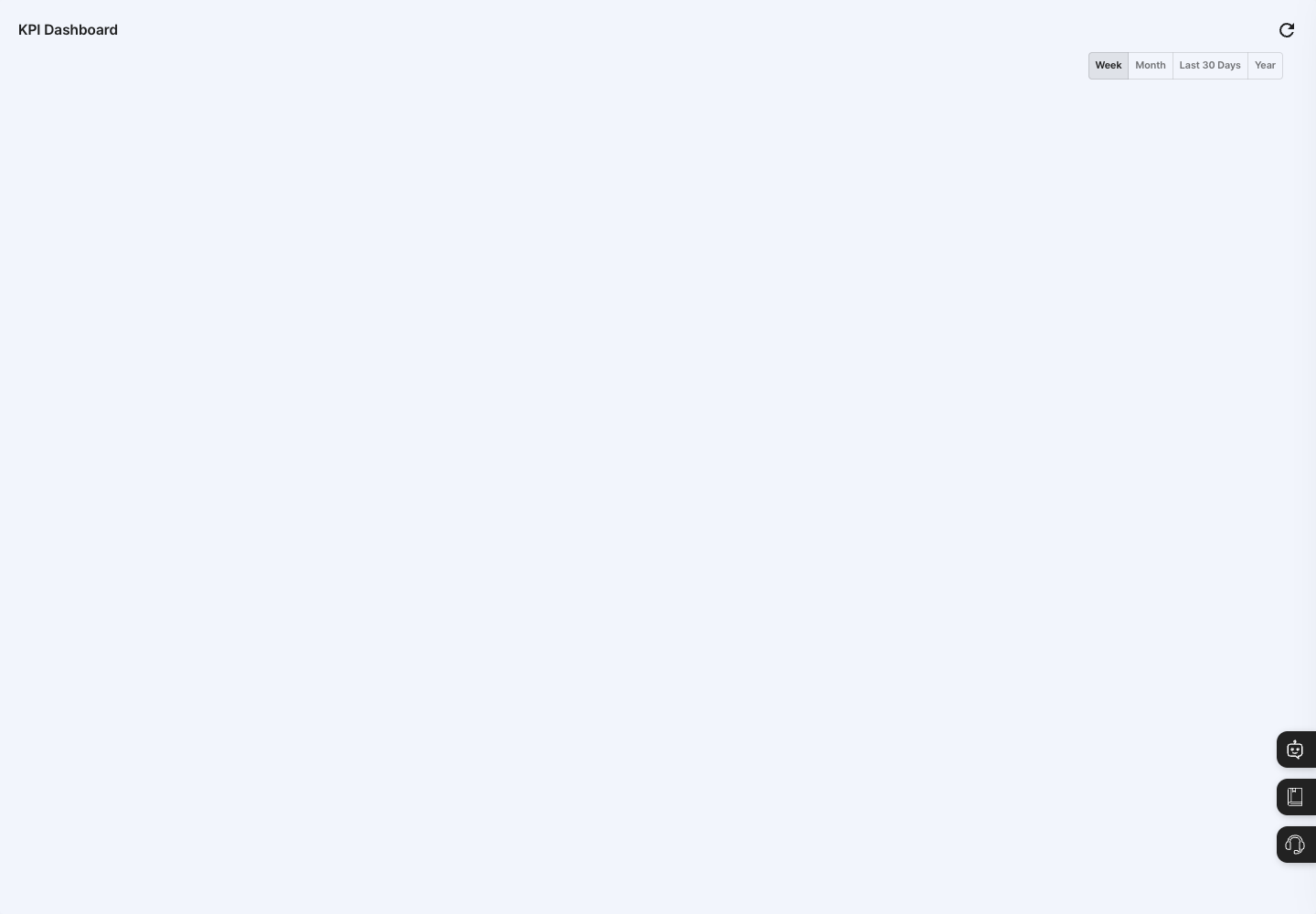
- Period buttons: Choose Week, Month, Last 30 Days, or Year at the top right. Week is selected at first.
- Indicator charts: The
Production Quantity,Delivery Lead Time,Defect Rate,Uptime, andCostcharts are shown two per row. Only indicators that have data for the selected period appear as charts. - Click the refresh button at the top right to reload the latest data.
Check KPIs
- In the left menu, click Dashboard → KPI.
- At the top right, choose the period to view: Week, Month, Last 30 Days, or Year.
- Review the
Production Quantity,Delivery Lead Time,Defect Rate,Uptime, andCostcharts.
FAQ
Q. KPI is not in the left menu. The KPI menu is not shown unless the company registration type is Workshop. Ask your company administrator to check the registration type.
Q. The screen is empty or some charts are missing. Only indicators that have data for the selected period are shown as charts. If no indicator has data, the screen looks empty. Check whether the source data for that indicator (work completion, shipments, quality inspections, facility operation, and so on) has accumulated, and try a wider period such as Month or Year.
Q. The charts change when I change the period. This is normal. The charts shown depend on the selected period and whether data exists for that period.
Related menus
- Dashboard — See production and inventory status at a glance.
- Work Completion — Process the work results that feed the production quantity indicator.
- Defect Status — Check the defect records that feed the defect rate indicator.
- Equipment/Facility Management — Manage the facilities related to uptime.