Shipment Type Management
This screen organizes the shipping methods you use again and again into shipment types in advance. If you set the lead time, cutoff time, and available shipping days for each type, the same criteria are applied consistently every time you register a shipment.
Screen layout
The first Shipment Type Management screen lists the registered shipment types. Set conditions and a registration date period in the search area at the top to find the type you want.
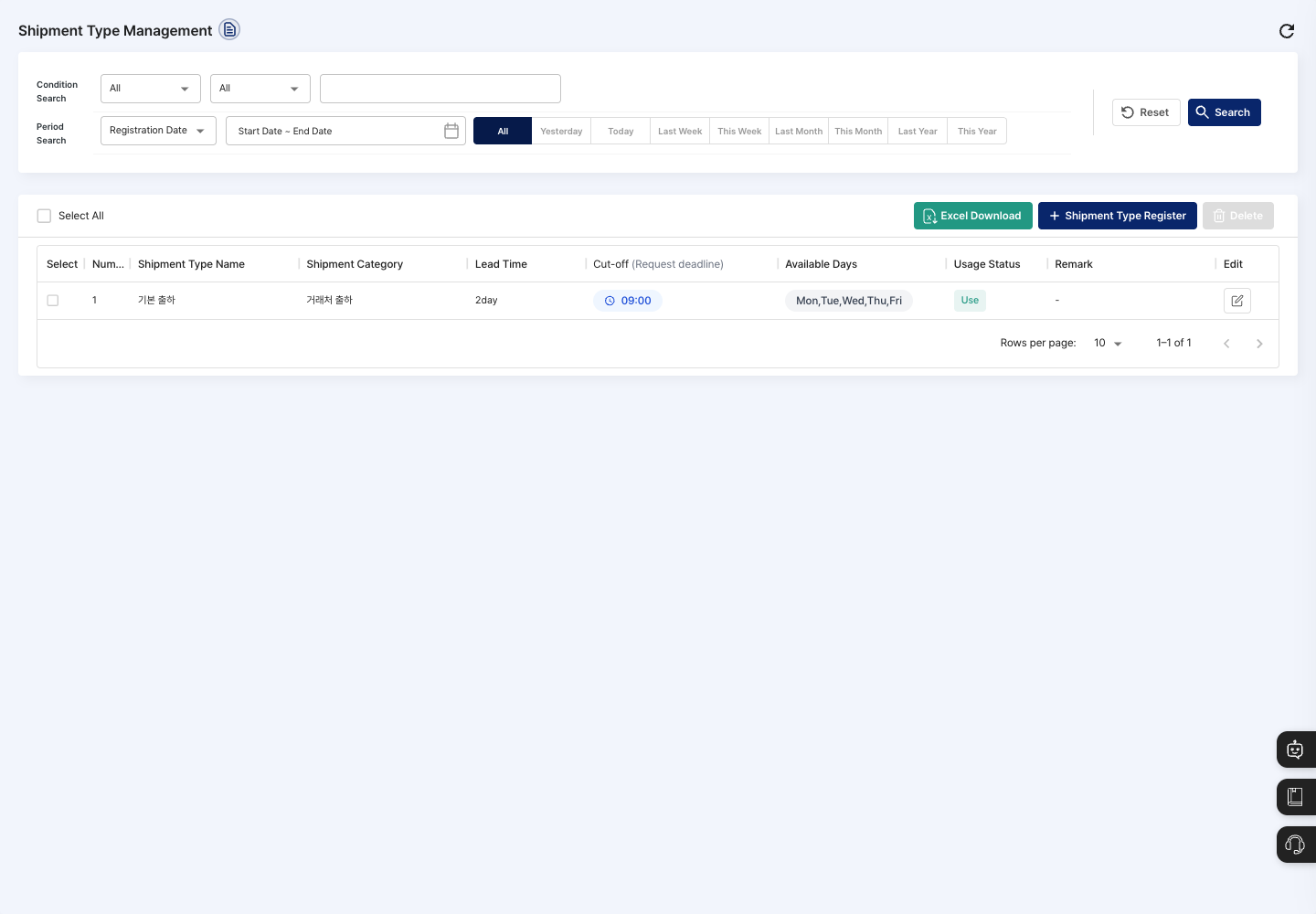
- Condition Search / Period Search: Set the usage status, shipment category, or shipment type name and a registration date period, then click Search. After changing the conditions, the list changes only when you click Search. Click Reset to clear the conditions.
- List: Check the shipment type name, shipment category, lead time, cutoff (the deadline for shipment requests), available days, usage status, and remark.
- Select All: Checks or unchecks all types on the current page at once.
- Shipment Type Register: Opens a window for entering a new shipment type.
- Excel Download: Downloads the list as a file.
- Edit icon: Use the icon at the right end of a row to edit that type.
- Delete: Deletes the types checked in the list.
Register a shipment type
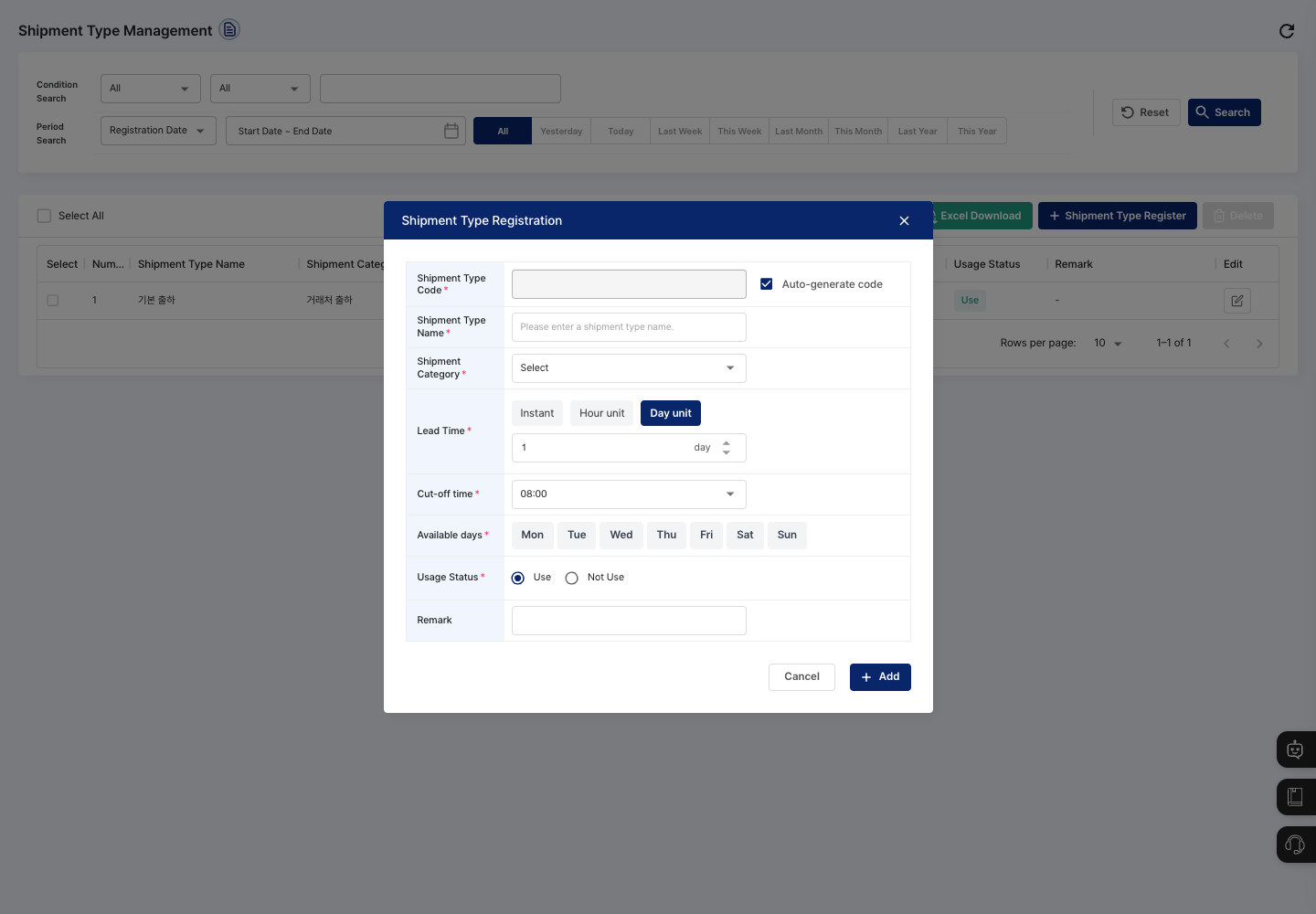
- On the list screen, click Shipment Type Register.
- Check the shipment type code. Auto Generate Code is checked at first, so the code is created automatically when you save. To enter it yourself, uncheck it.
- Enter the Shipment Type Name.
- Choose the Shipment Category from
Vendor Shipment,Internal Move,Sample Shipment,Consignment/Outsourcing, andUnclassified. - For Lead Time, choose
Instant,Hour unit, orDay unit. The default isDay unitwith a value of 1. If you chose hour unit or day unit, enter the value. - Choose the Cut-off time (the deadline for receiving shipment requests) in one-hour steps from
08:00to19:00. The default is08:00. - In Available days, click the days you ship to select them. You can choose several days.
- For Usage Status, choose
In UseorNot In Use. The default isIn Use. - If needed, enter a Remark.
- Click Add. The type is saved right away without a confirmation dialog, and the registration complete message appears.
- Check in the list that the shipment type name, category, lead time, cutoff time, and usage status are shown correctly.
Edit a shipment type
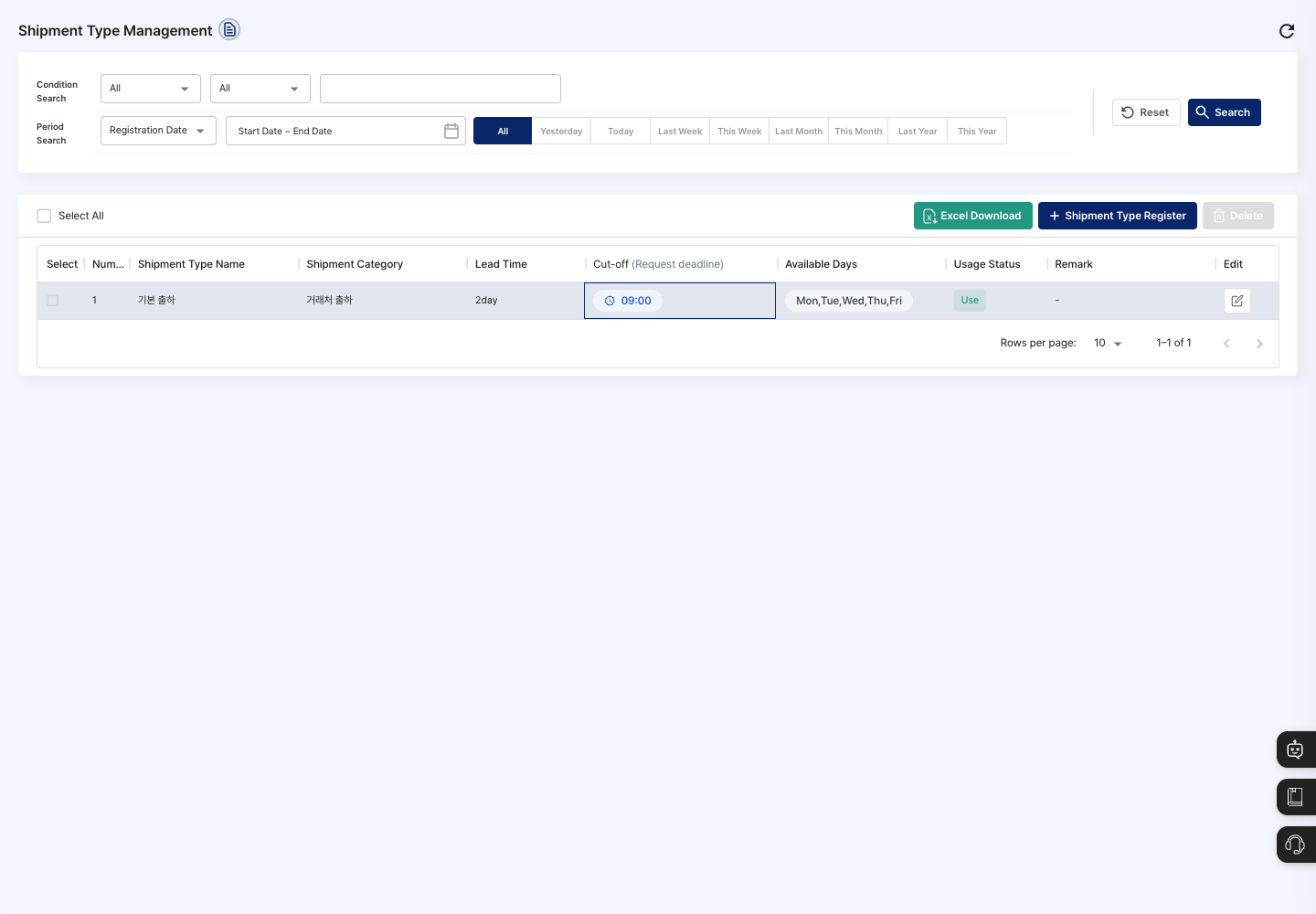
- In the list, click the Edit icon at the right end of the row of the shipment type to change.
- In the
Edit Shipment Typewindow, change only the items that actually changed. You cannot change the shipment type code. - Click Save. When the edit complete message appears, you are done.
Delete a shipment type
- In the list, check the shipment type to delete.
- Click Delete.
- In the
Are you sure you want to delete?confirmation dialog, click Delete.
FAQ
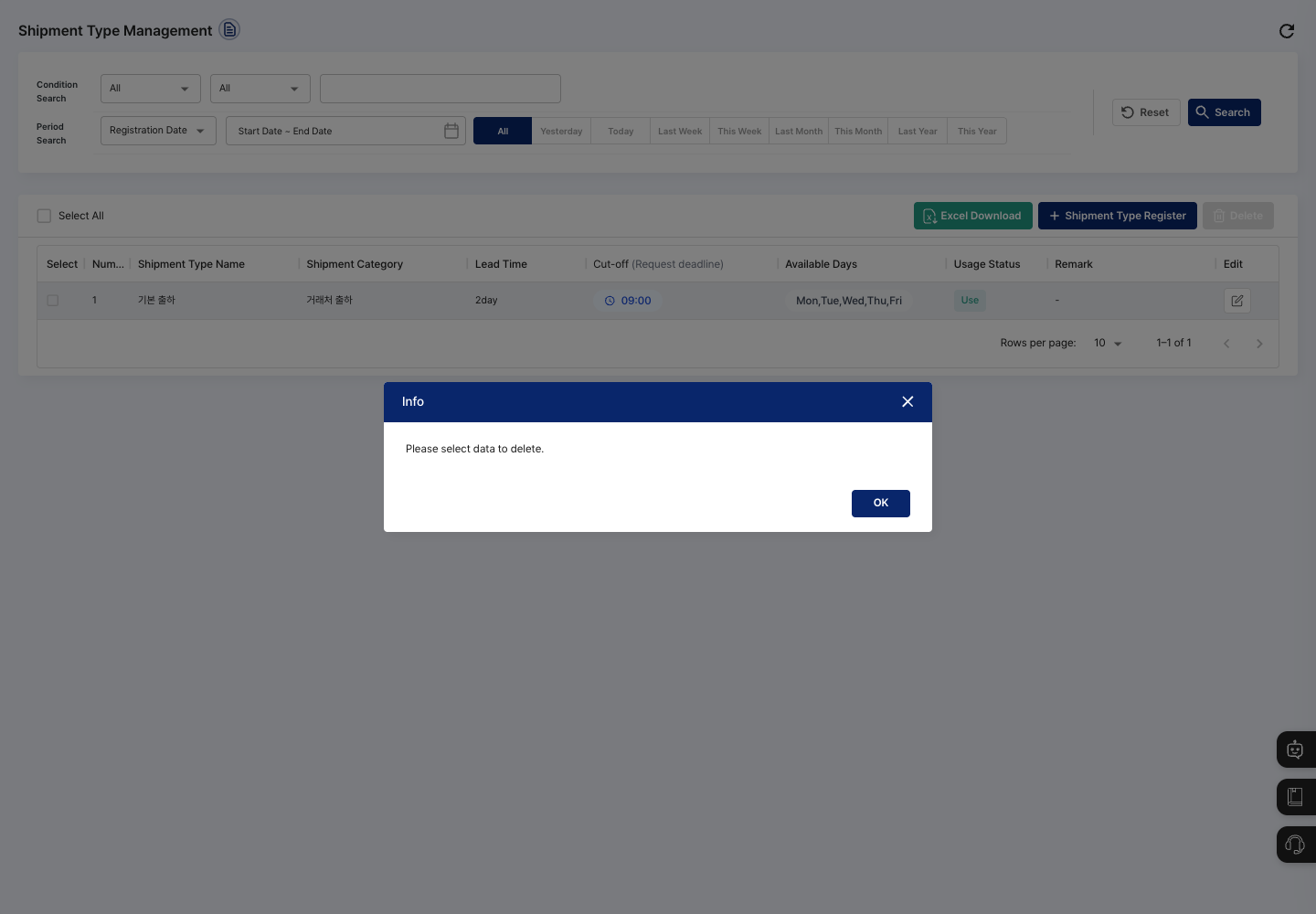
Q. When I click Delete, I see Please select data to delete.
First check the types to delete in the list, then click Delete.
Q. I cannot enter a lead time value.
If you choose Instant for the lead time, you do not enter a value. To set hours or days, choose Hour unit or Day unit and enter a value between 0 and 99.
Q. When I click Save, I see Please select a shipment category.
The shipment category is empty at first. Choose a suitable category from the list and save again.
Q. I changed the conditions, but the list did not change. After changing the conditions, click Search to search the list again.
Related menus
- Shipment Order Management — Issue shipment orders using the shipment types set here.
- Product Shipment Status — See shipment status at a glance.
- Order Management — Manage the orders that lead to shipments.